Animation
Studio
Join early access

3D PiXL · Movie Maker

Your whole story, voiced, shot and rendered

Movie Maker records the dialogue first, then plans every shot around it — so conversations flow naturally and scenes cut where they should.
Movie Maker example Hover to preview
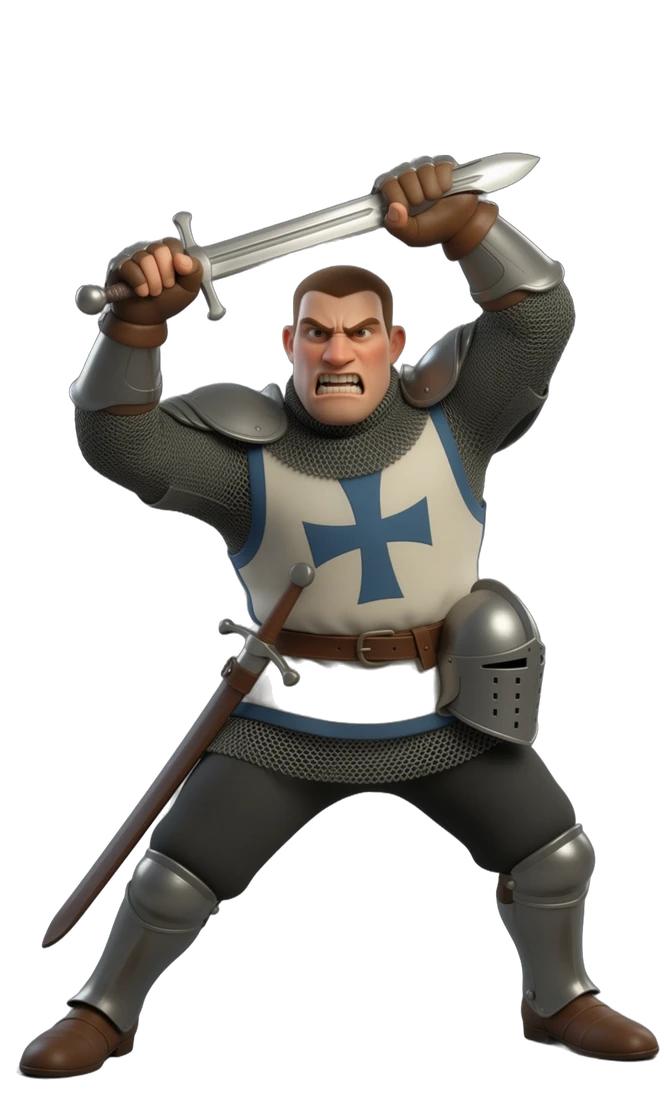
Knight lunging with his sword raised

Step 1 · Script

Write it like a story, not a screenplay

Type your story in plain English. A short how-to sits above the story box, and everything you can use is one @ away.
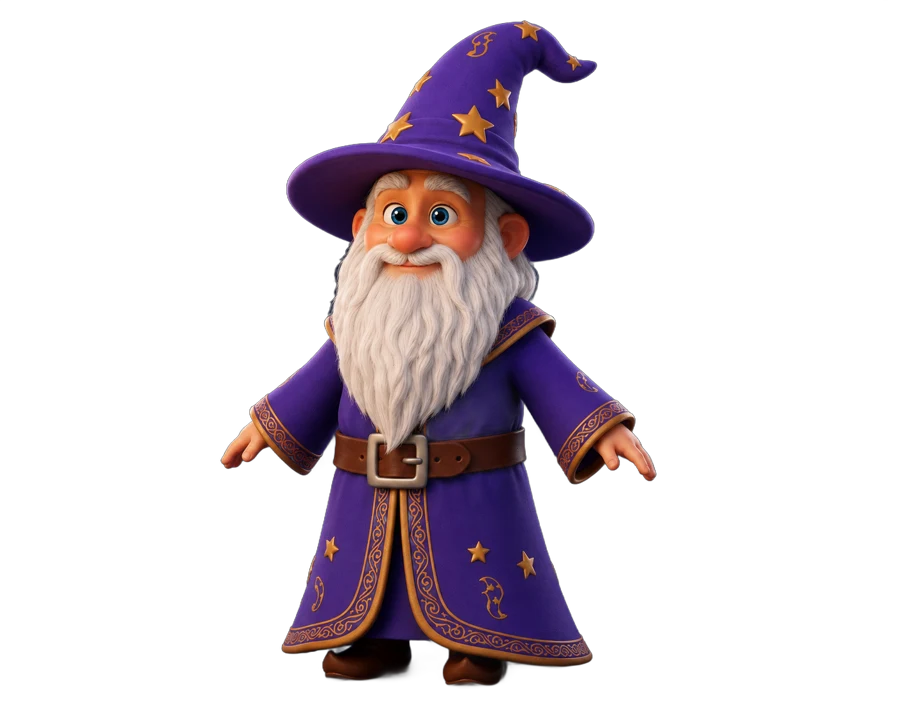
  • Scene: @Location starts a new scene
  • @Actor [excited]: dialogue — feelings drop in like tags
  • Chip rows of your cast, locations, props and titles, with pictures
  • Title-only scenes from your Titles library

Step 2 · Cast

Actors who look and sound the same every time

Each actor carries their own face, wardrobe and one locked voice into every scene.
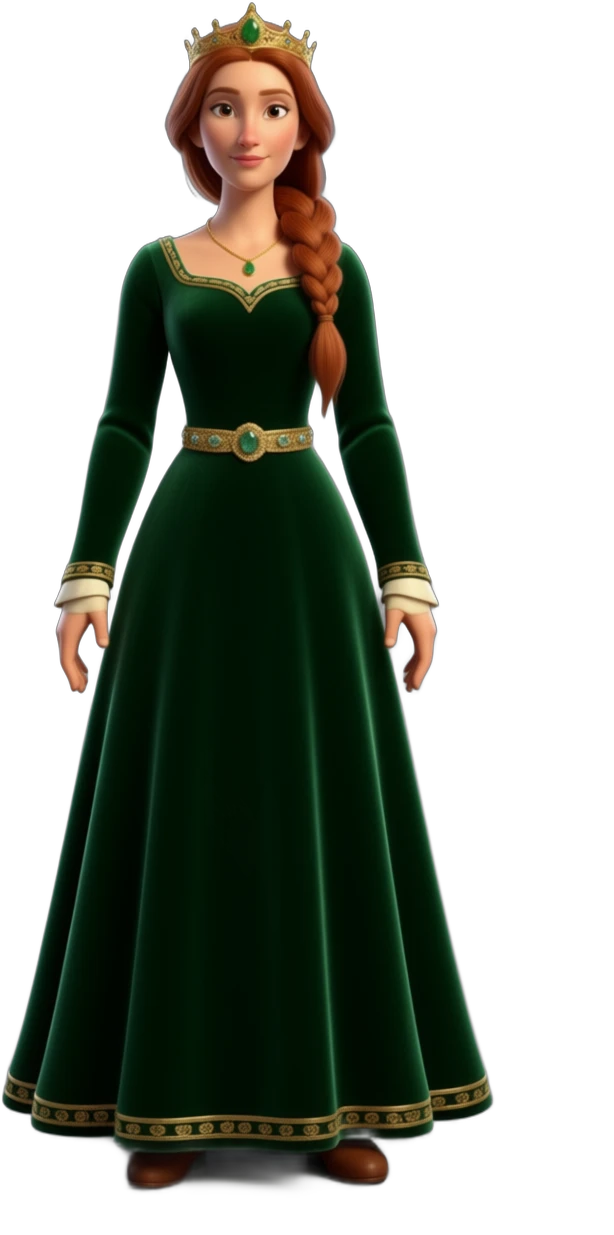
  • One ElevenLabs voice locked per actor
  • Up to three actors in one shot
  • Whole groups — villagers, knights, a choir

Step 3 · Acts

Dialogue first, so the timing feels real

Voices are recorded before any video. Shots are then cut to fit the performance, not the other way round.
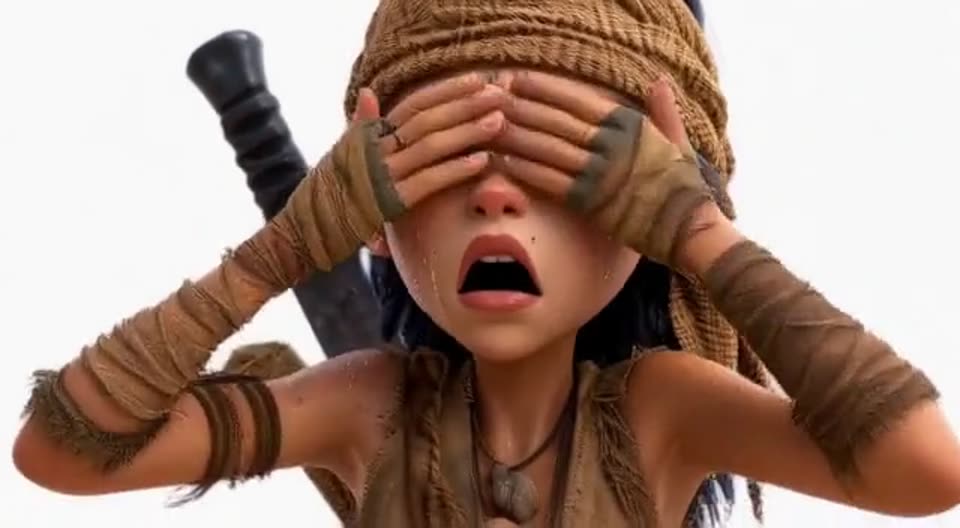
  • Scenes split into shots automatically
  • Pauses inside a line belong to the actor; gaps between lines belong to the scene
  • Long scenes join seamlessly, last frame to first
Acts example

Step 4 · Edit

Change anything before it costs a render

Open one scene on its own and rework it. The Script Assistant runs on your PC and suggests rewrites side by side.
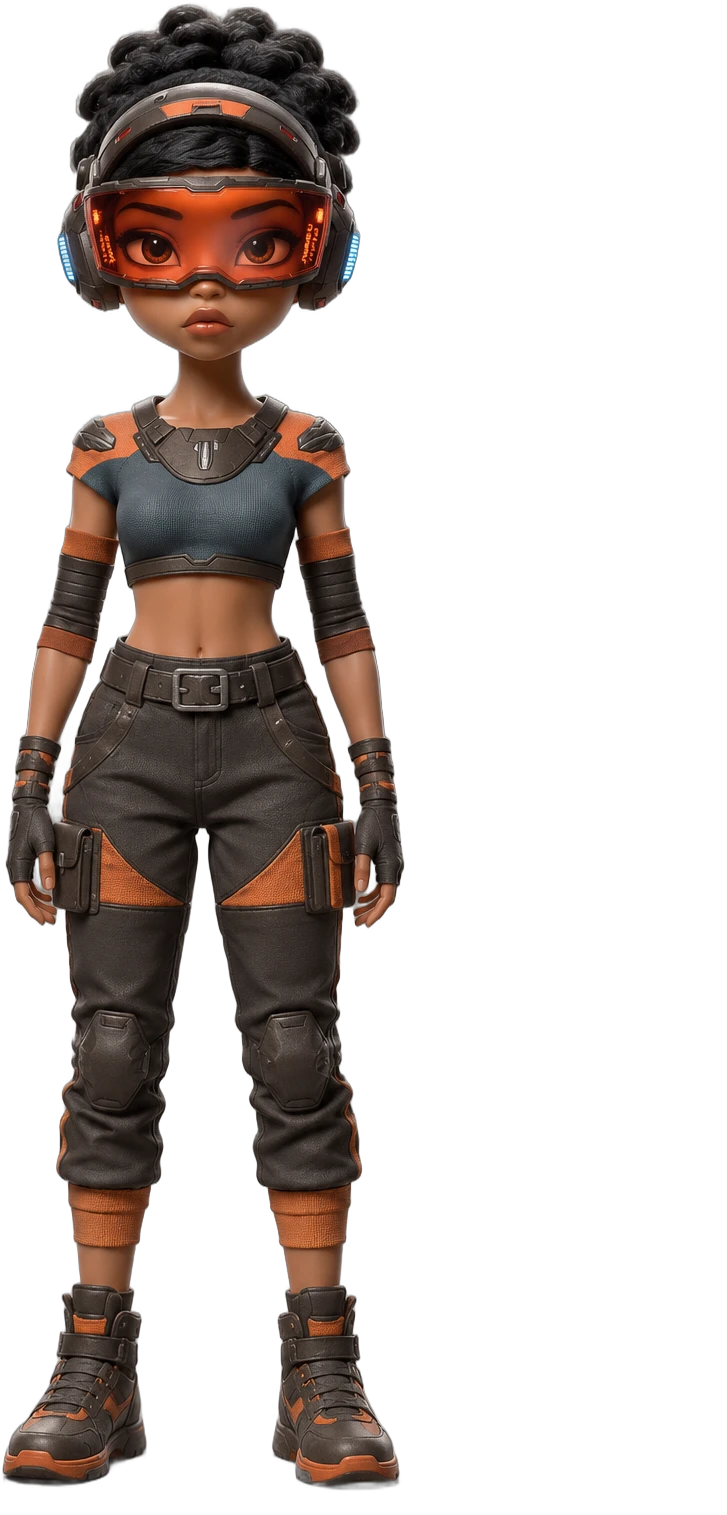
  • Your words on the left, the suggestion on the right
  • Changed words highlighted — Keep mine or Use this
  • Edit one scene without touching the rest

Step 5 · Check everything

Every problem found, every problem explained

Before rendering, the whole script is read for gaps — a door nobody built, a prop the story names but the library lacks.
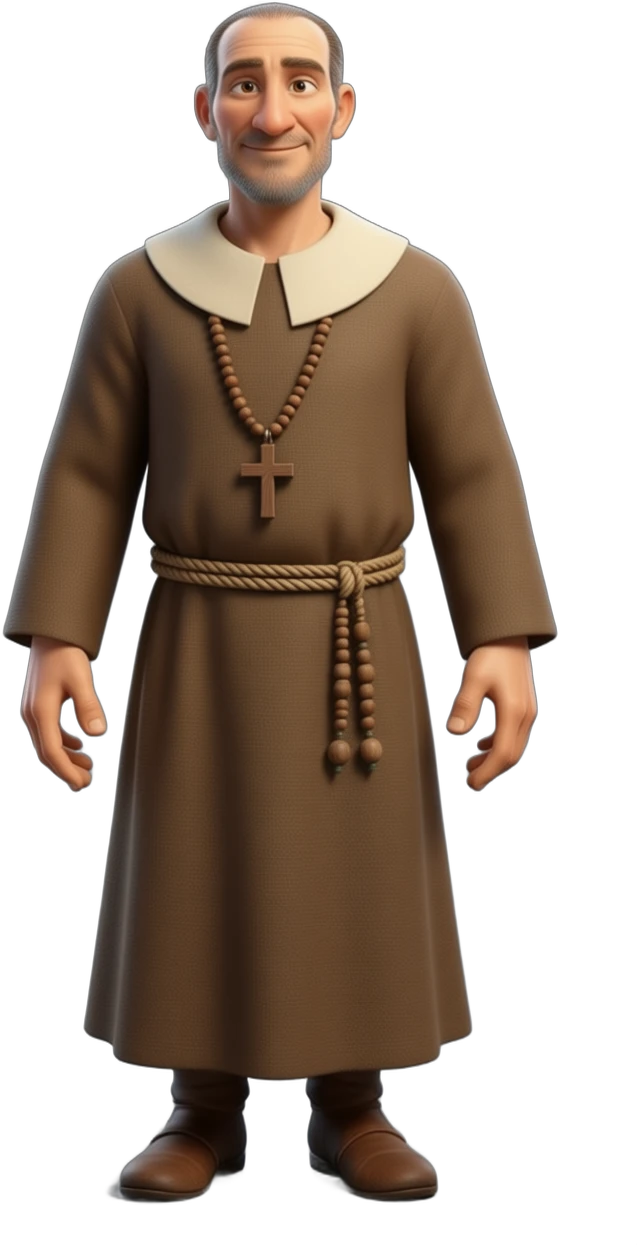
  • Every warning says why and offers a fix
  • Missing places are flagged, never invented
  • Rain or snow? A weather version of the place is made for you

Step 6 · Render

One scene at a time, straight to your film

Render a scene, check its storyboard, then move to the next. Finished scenes are saved as a movie in your Library.
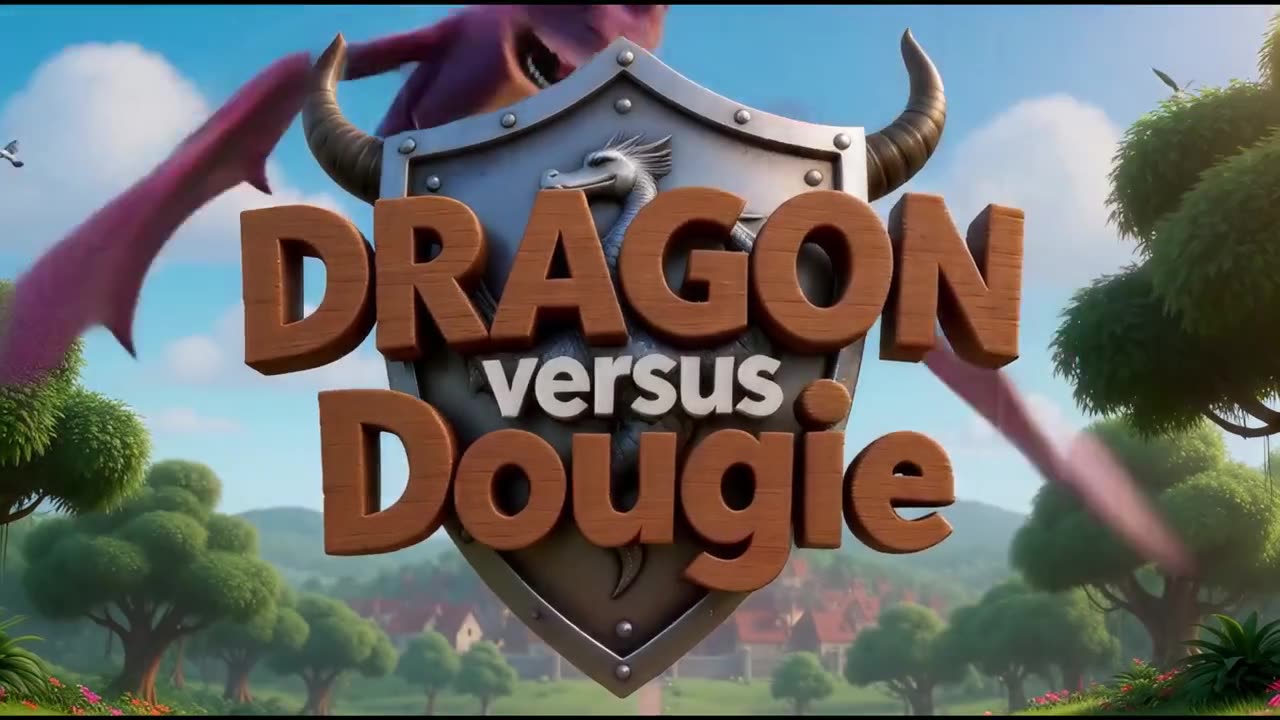
  • Storyboard check before the full render
  • Subtitles saved as an .srt file
  • Finish music and sound effects in your own video editor
Render example

Made with Movie Maker

See it in action

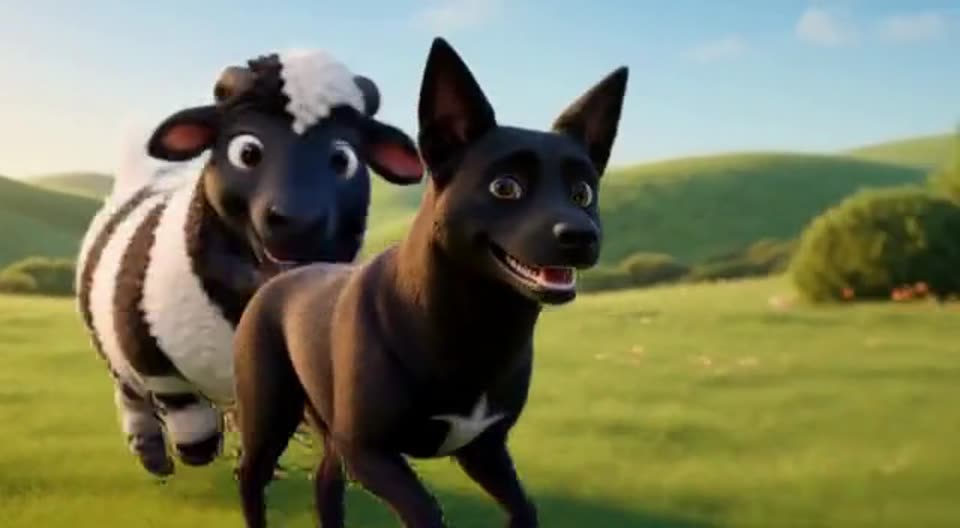
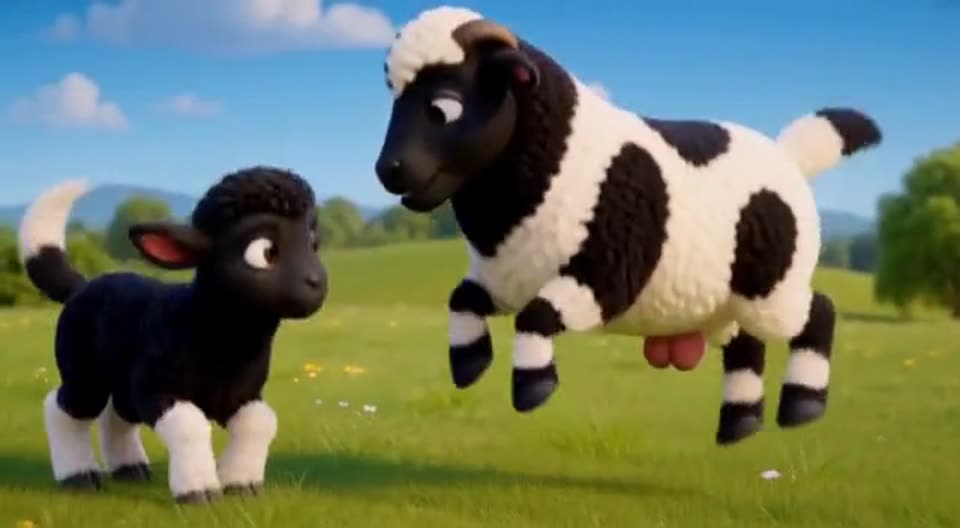
Oli and the Sheep

Movie Maker

Oli and the Sheep

Dragon versus Dougie

Movie Maker

Dragon versus Dougie

Amilia

Movie Maker

Amilia

Early access

Be first to make a film with 3D PiXL

Join the waitlist and we'll let you know the moment early access opens, plus build updates as new tools land.

Updates