
 Hover to preview
Movie Maker
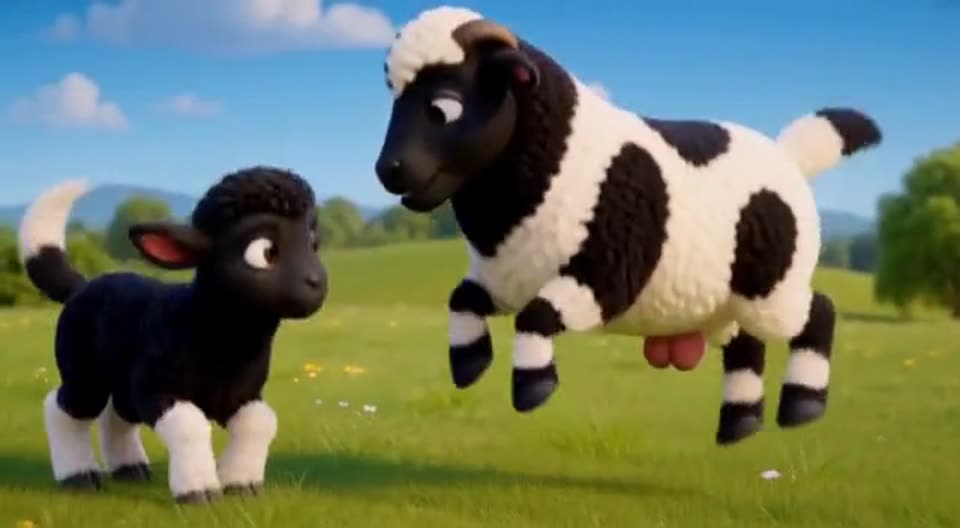
Write the whole story in plain English. The studio voices it, plans the shots and renders scene by scene.
Explore Movie Maker →3D PiXL Animation Studio · Early access
Cast your own 3D actors, give them real voices, build the world they live in, and let a guided studio turn your words into finished scenes — stylized cartoon, cinematic, almost any style you love — on your own PC.
Runs on your PC
Your films stay on your machine
Real voice acting
One locked voice per actor
Guided, step by step
Made for first-time film-makers
Any style you love
Stylized cartoon to cinematic
How it works
No timeline wrangling, no node graphs. Movie Maker walks you through one clear step at a time and checks everything before a single frame renders.
STEP 1
Script
Write it like a story. Type @ to drop in actors, places, props and titles.
STEP 2
Cast
Pick your actors. Each one keeps their face, outfit and voice.
STEP 3
Acts
Scenes are split into shots automatically, timed to the dialogue.
STEP 4
Edit
Change any line, feeling or shot before it costs you a render.
STEP 5
Check everything
Missing props or sets are flagged — each with a fix.
STEP 6
Render
Render one scene at a time and watch your film come together.
Everything in the studio
Hover any tile to preview it. Press play to watch the full clip with sound.
Hover to preview
Write the whole story in plain English. The studio voices it, plans the shots and renders scene by scene.
Explore Movie Maker →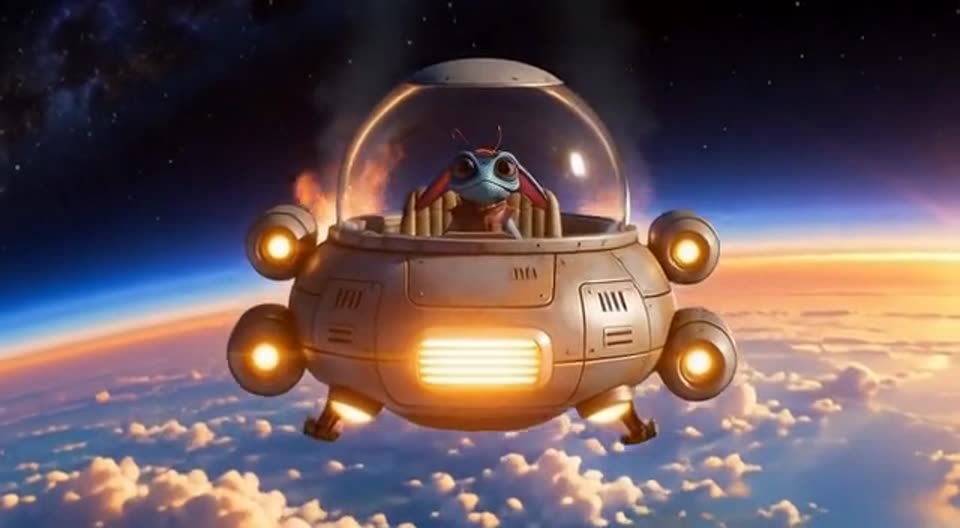 Hover to preview
One perfect shot — openers, splash clips and big moments, with an Ideas panel of film tricks.
Explore Single Scene Maker →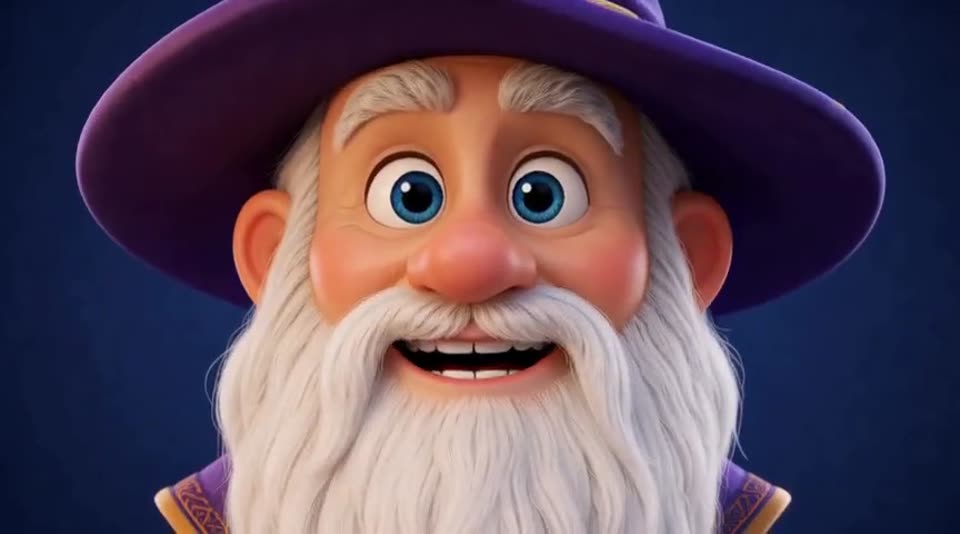 Hover to preview
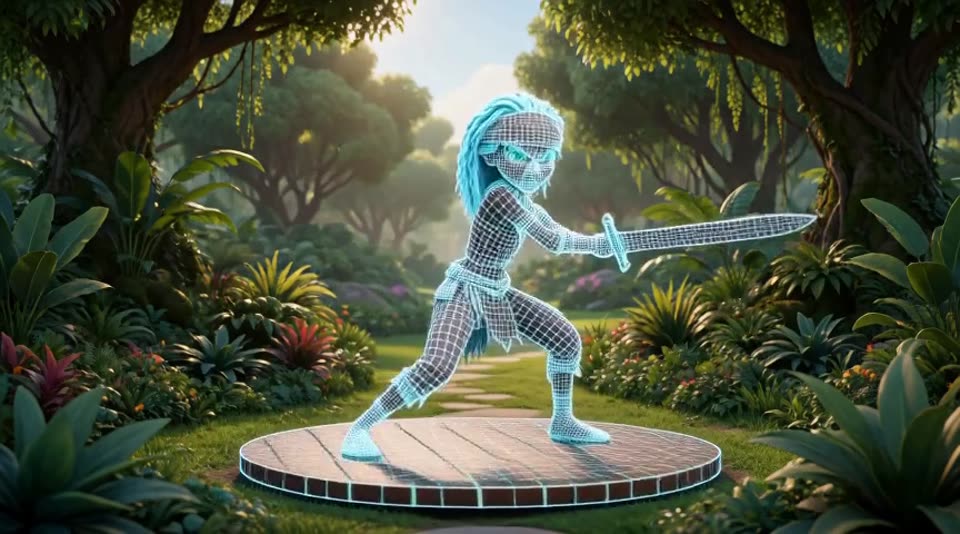 Hover to preview
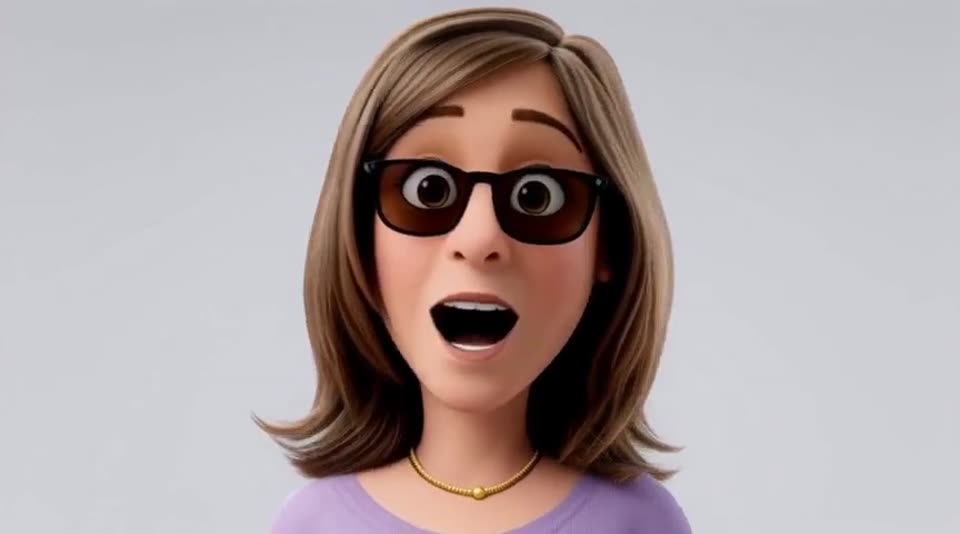 Hover to preview
 Hover to preview
 Hover to preview
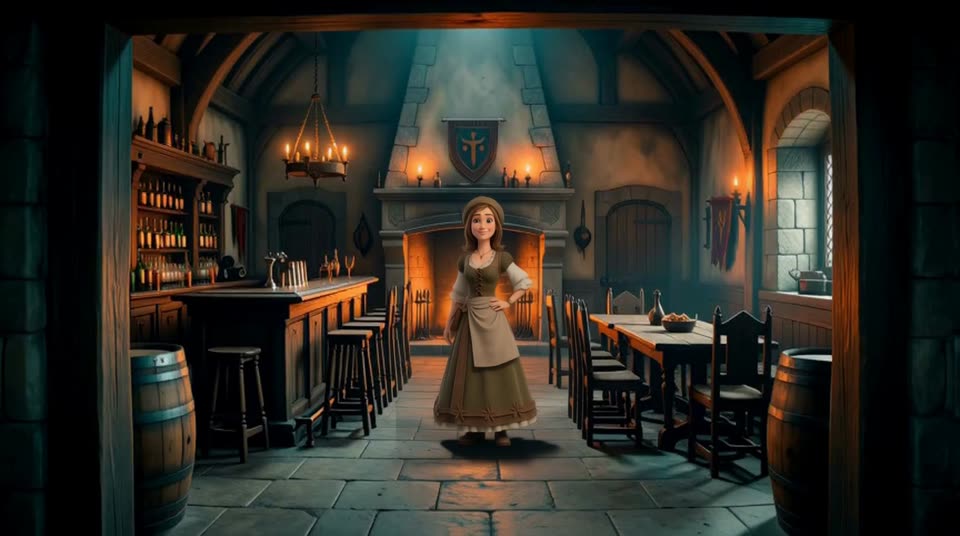 Hover to preview
 Hover to preview

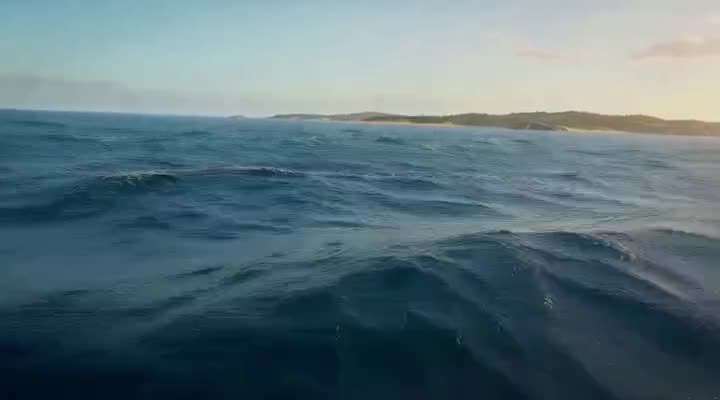
Swords, maps and title cards that stay the same in every shot.
Explore Props & Titles →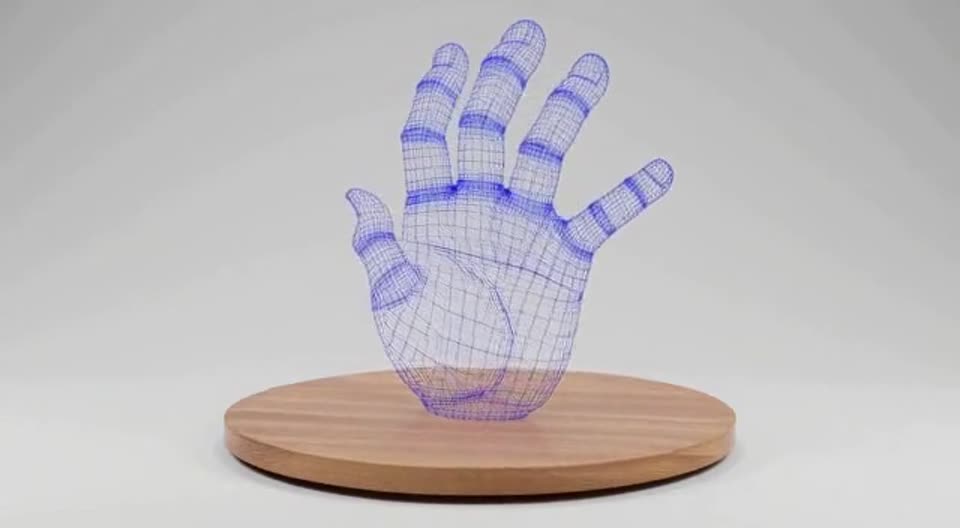 Hover to preview
 Hover to preview
Any actor
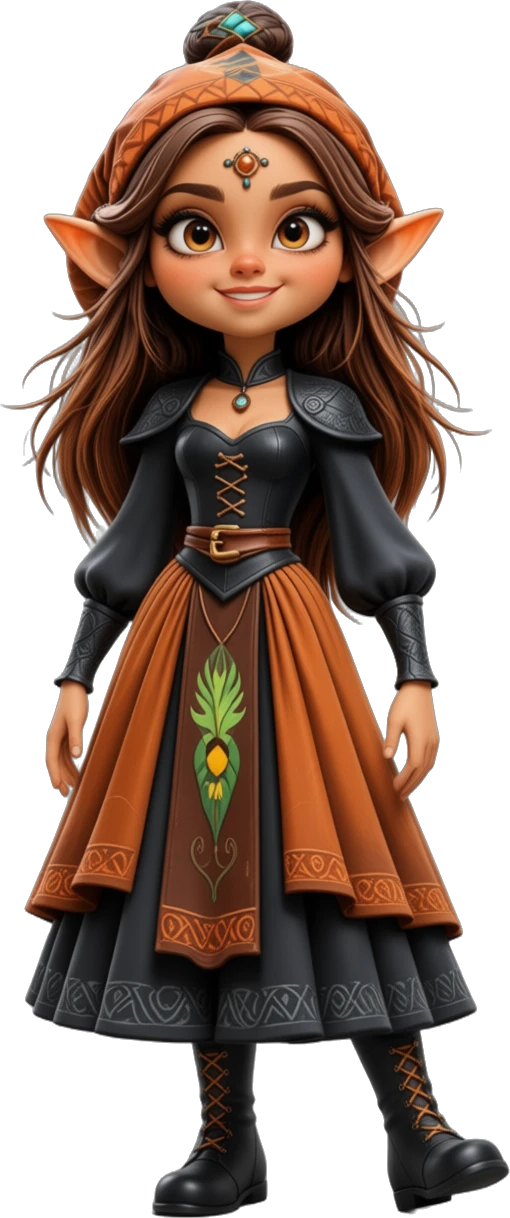
People, creatures, animals and the things they carry — design them once and they keep their look, outfit and voice in every scene you make.
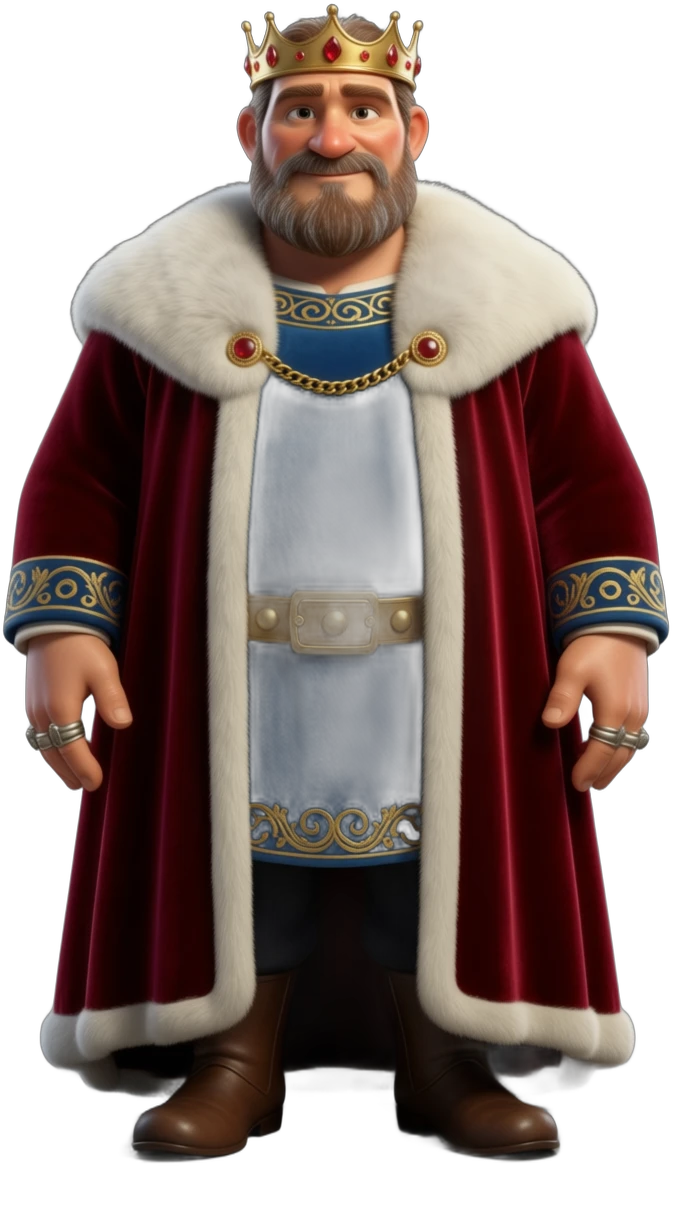
People & Heroes
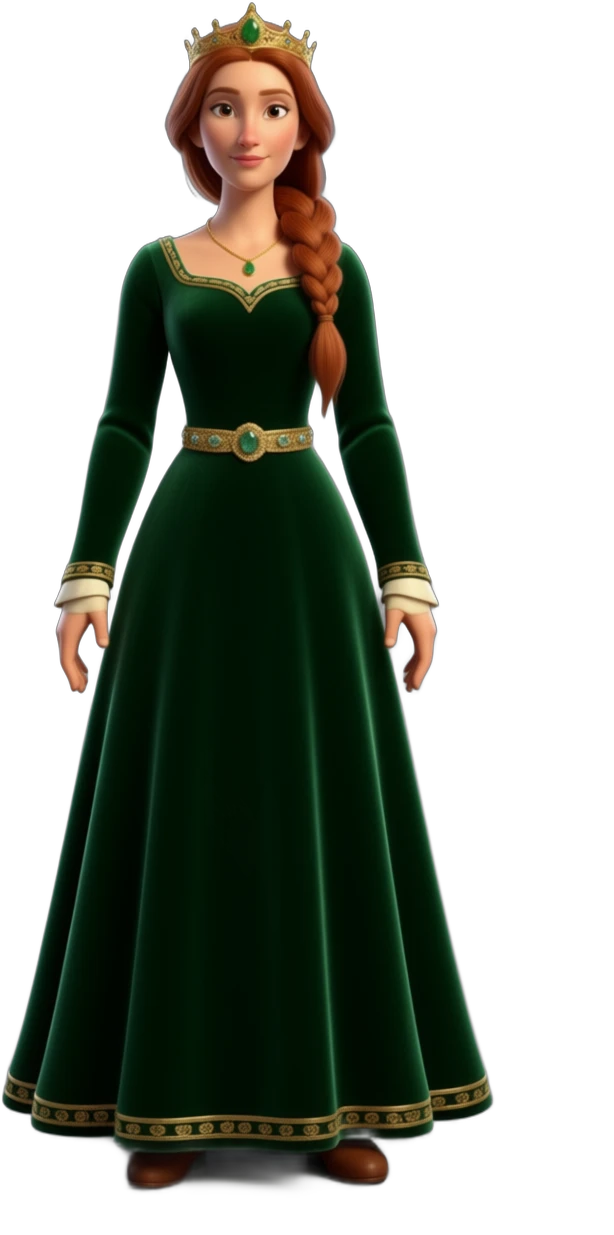
Kings, queens, villagers, warriors and heroes — each with their own wardrobe and a locked voice that never changes.
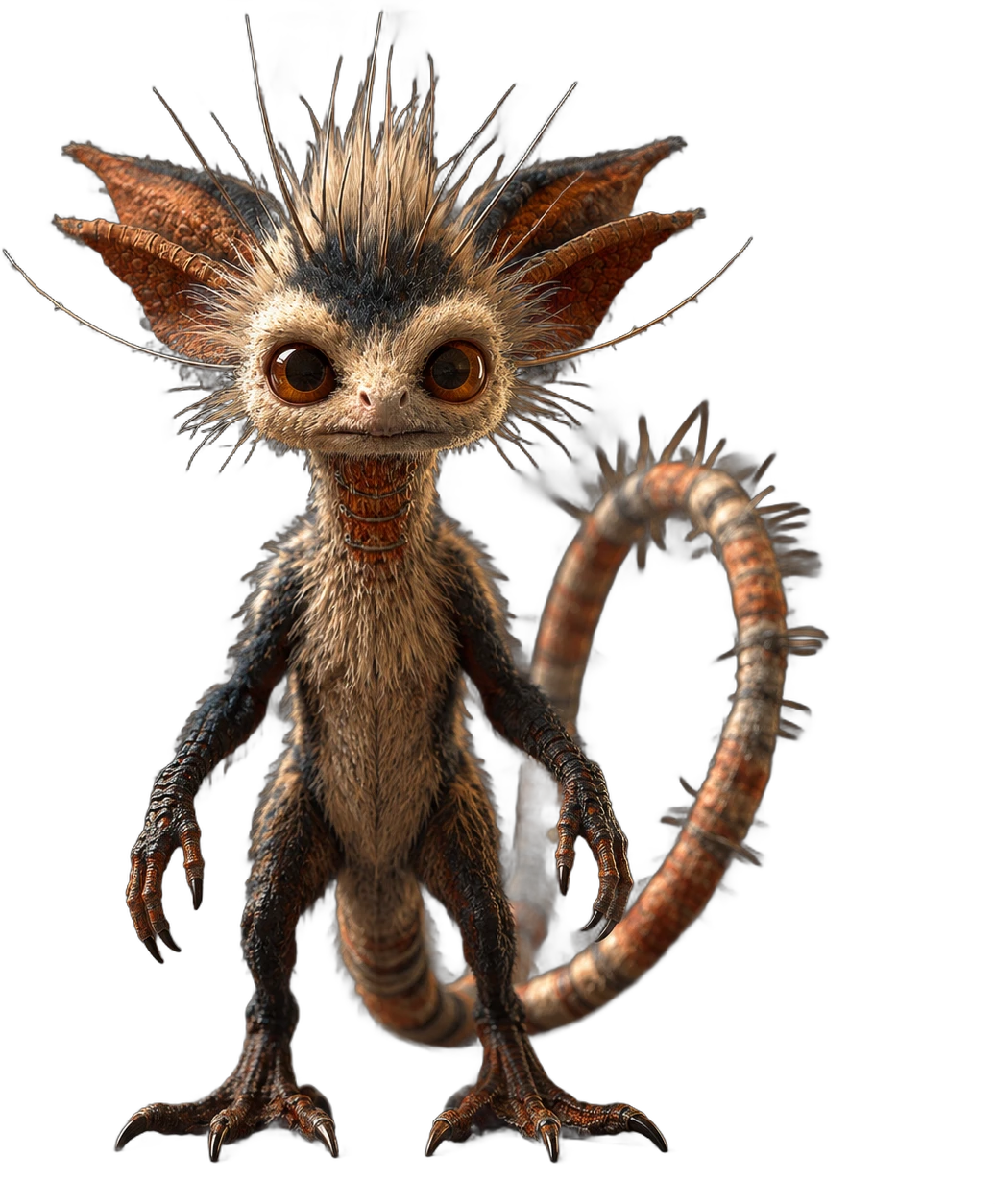
Creatures
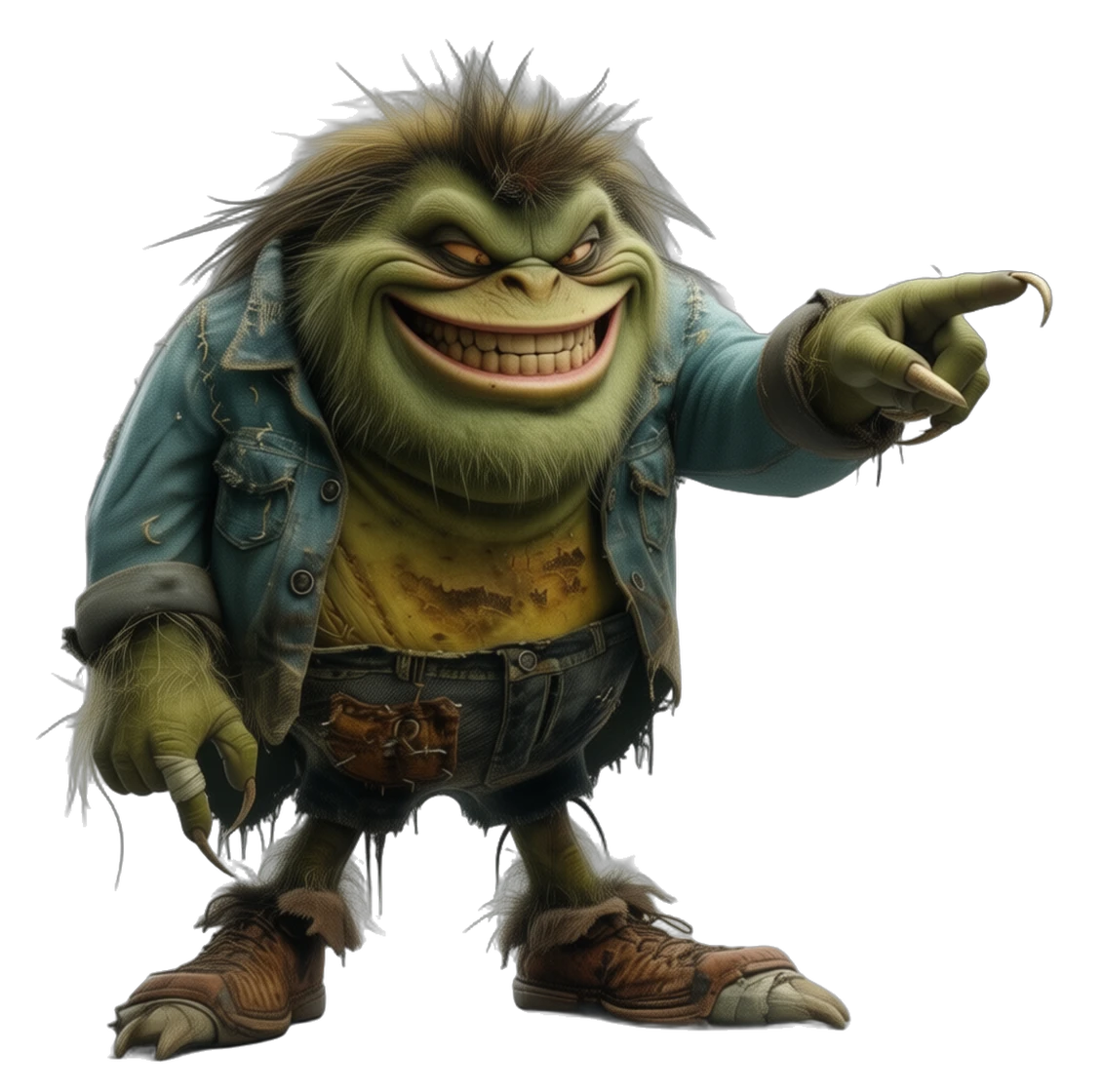
Monsters, aliens and the odd grumpy lime. If you can describe it, it can act, talk and emote — with the same face every time.
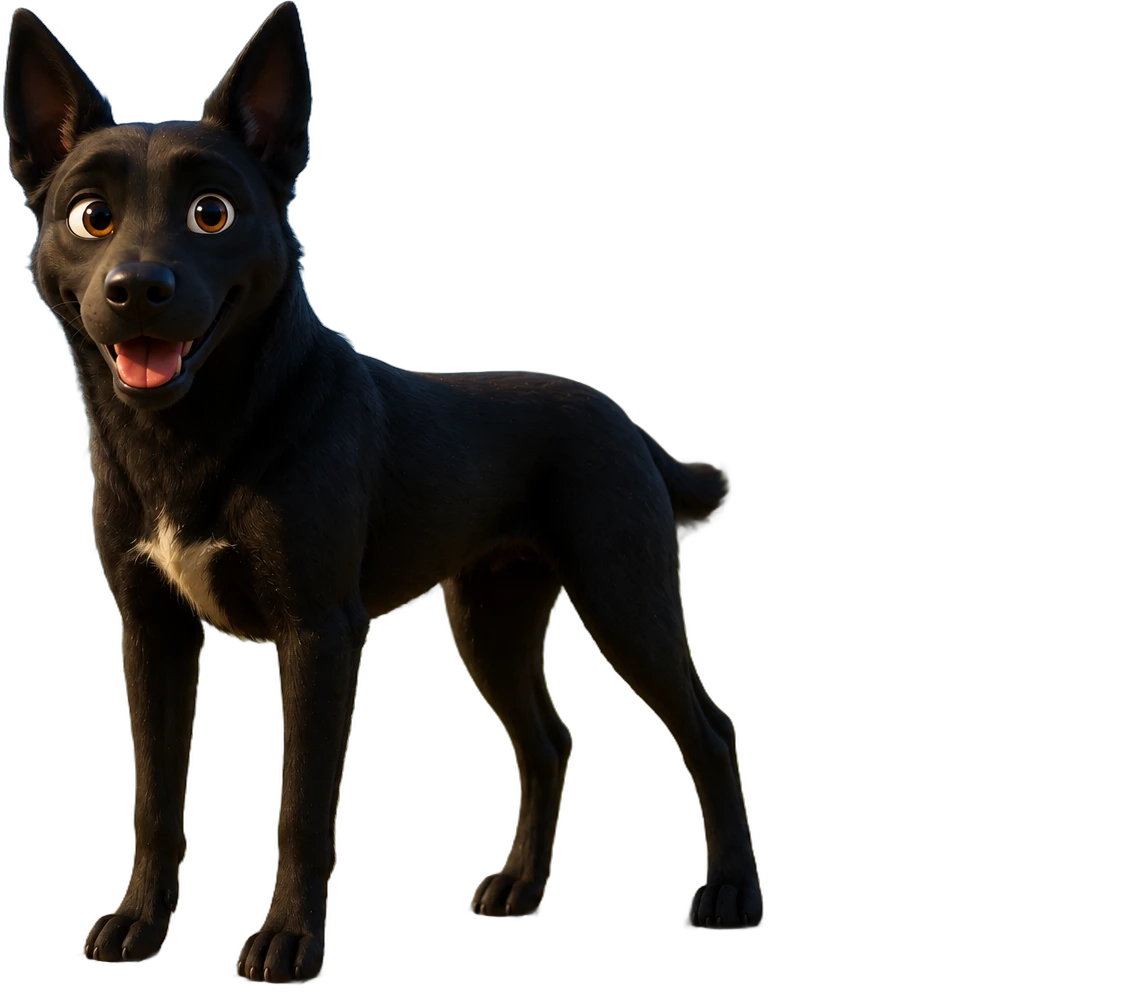
Animals
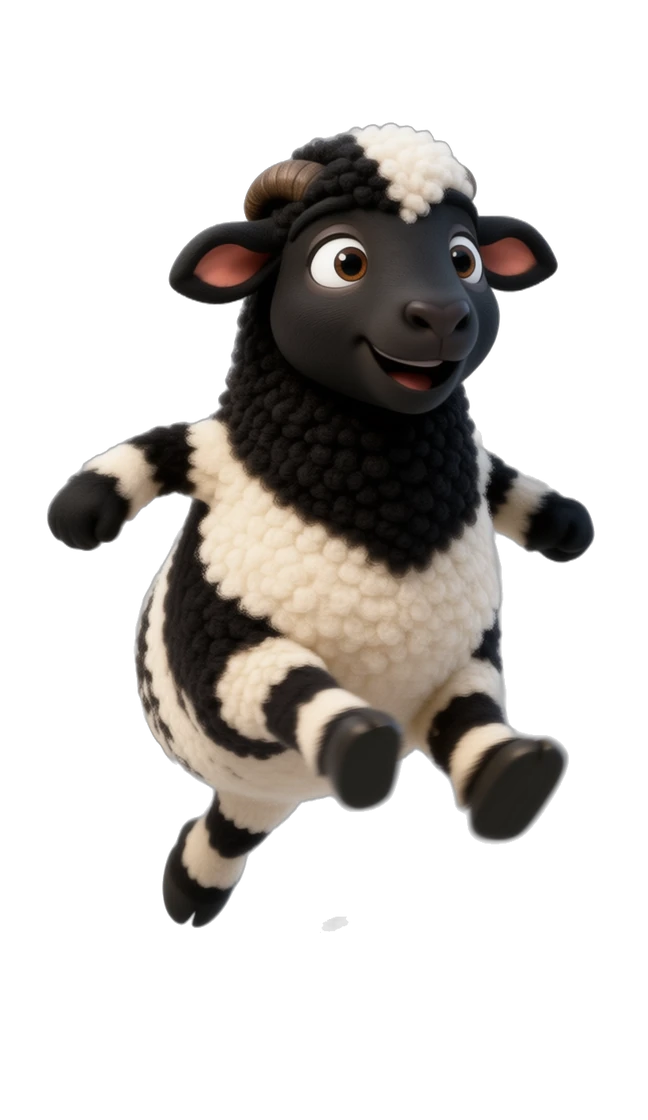
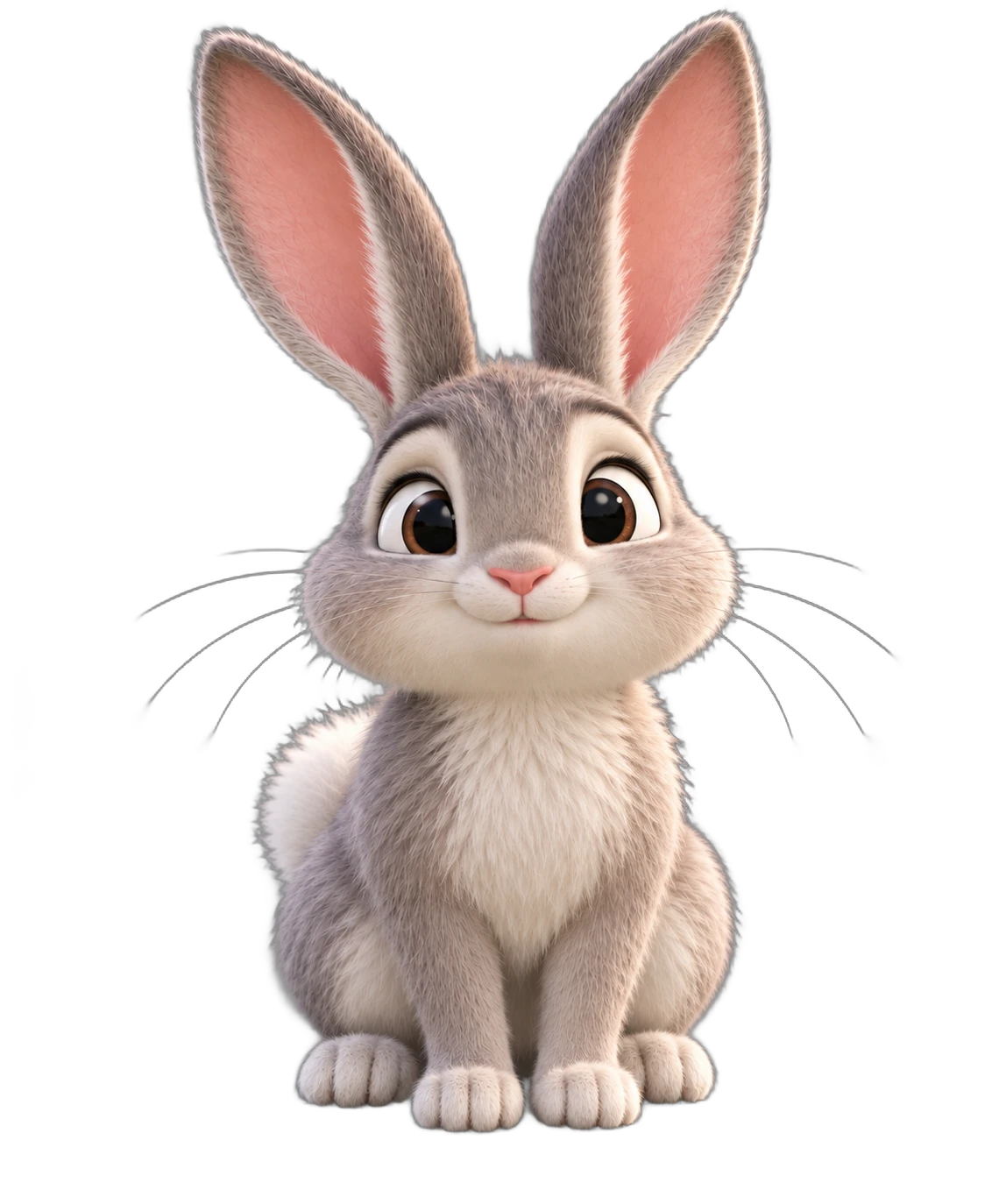
Dogs, sheep, rabbits and more, built with the same care as human actors and happy to share a scene with your cast.
Props & Places
Swords, maps, castles and whole location sets. Drop them in with @ and every detail stays the same in every shot.
Meet the cast
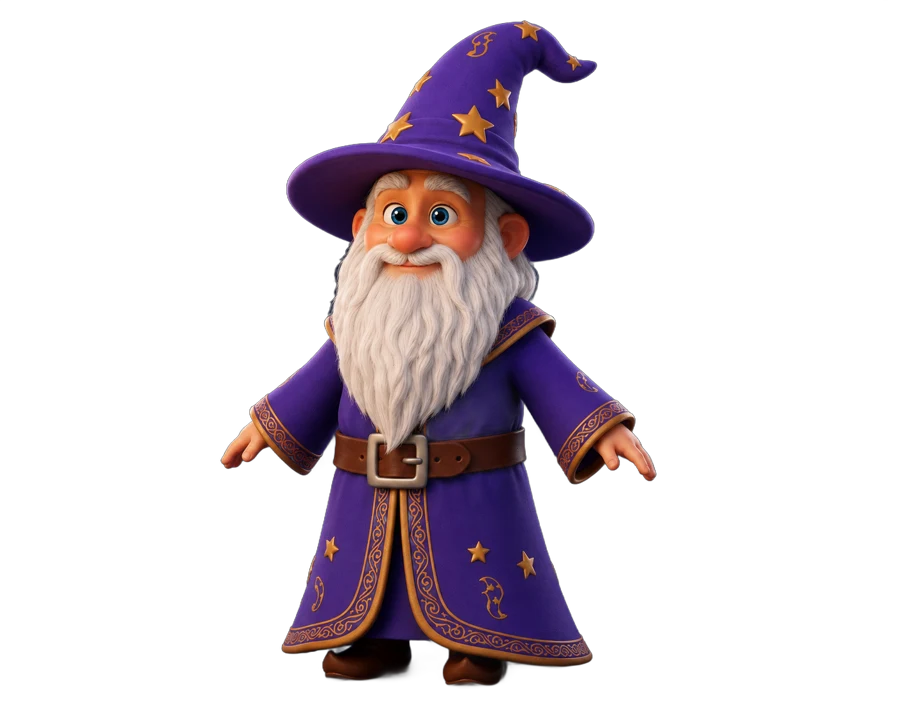
Kings and peasants, sheep and dogs, wizards and grumpy limes. Stylized cartoon, cinematic, almost any style you love.
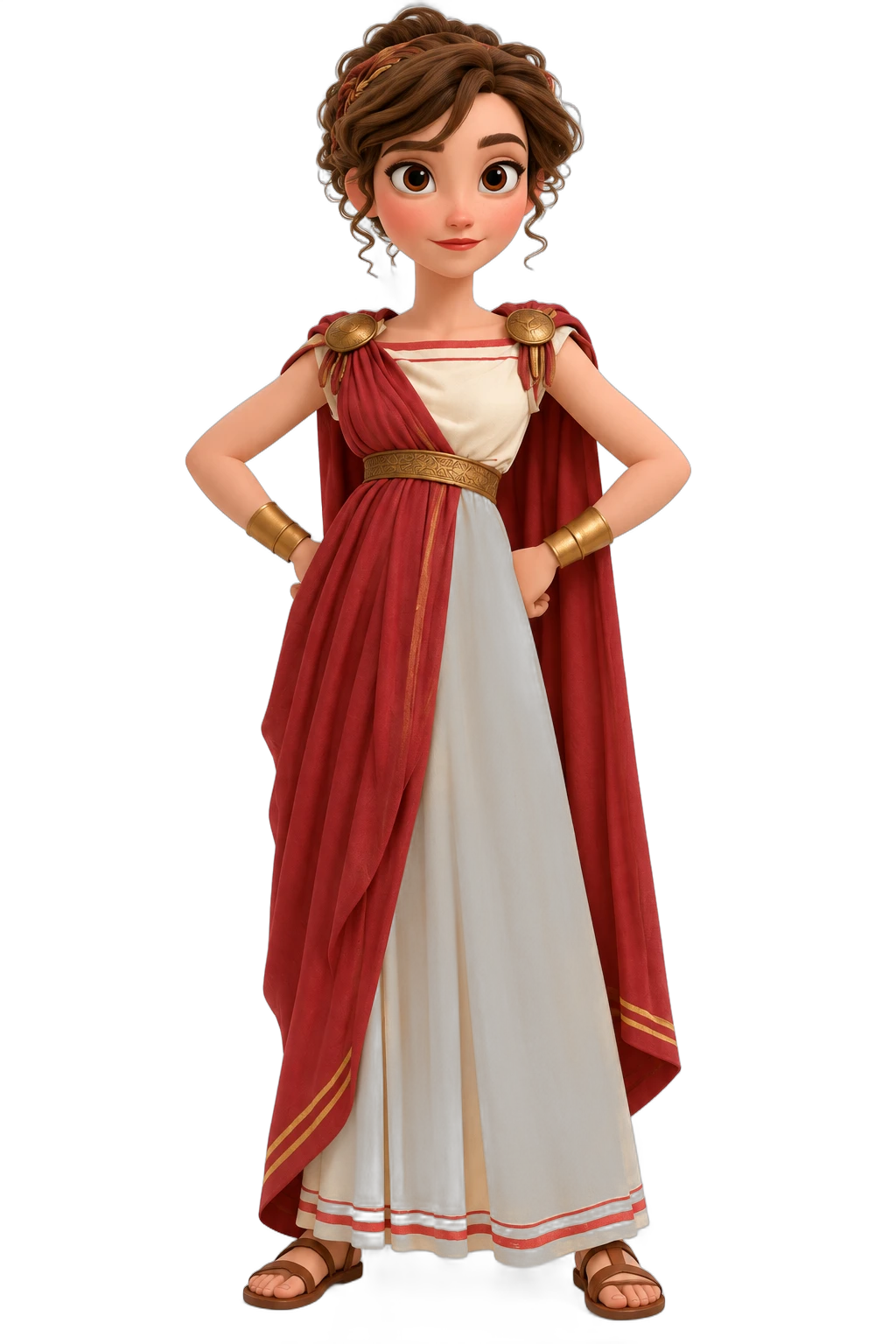
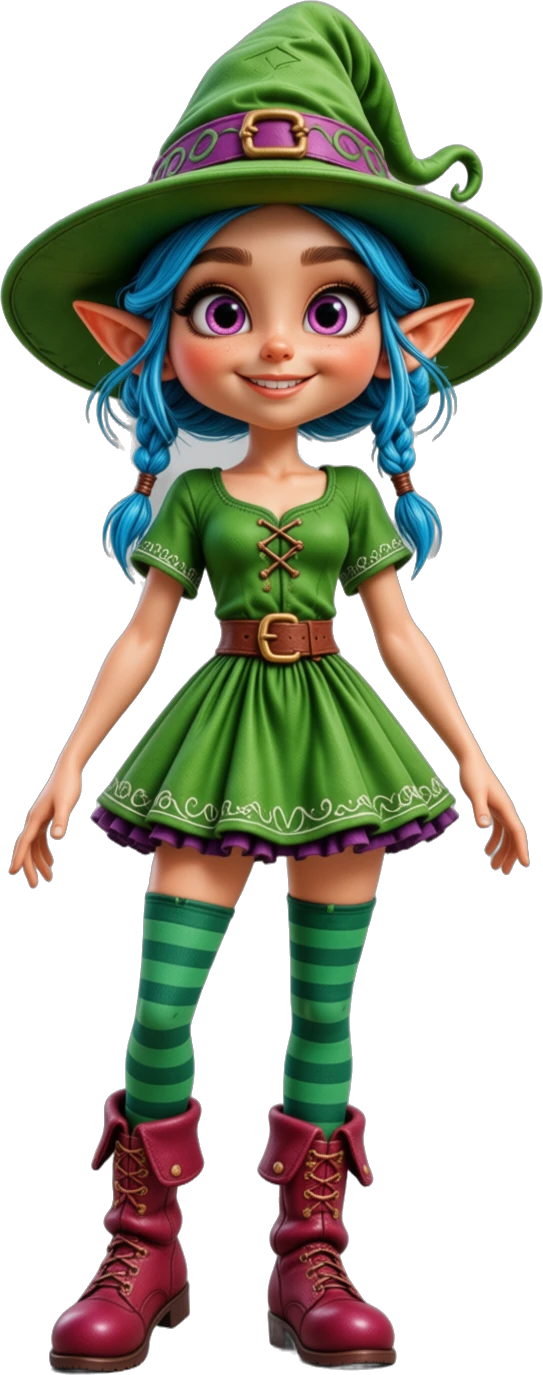
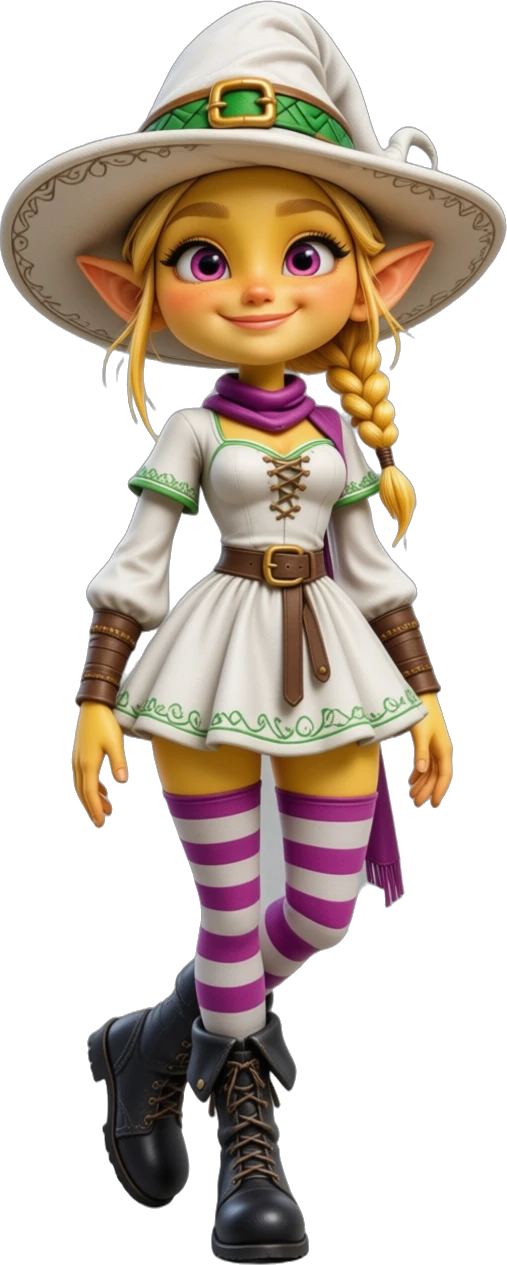

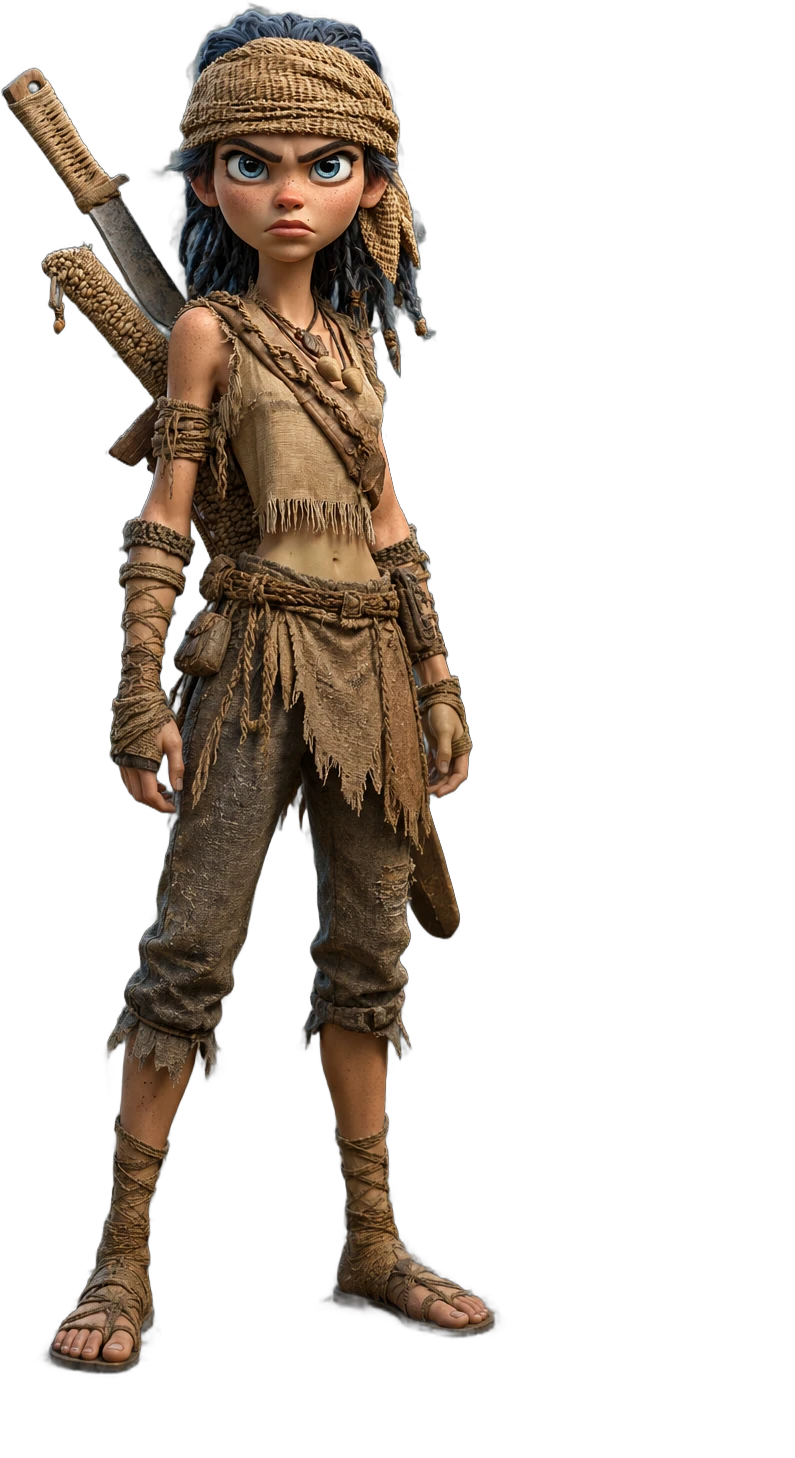
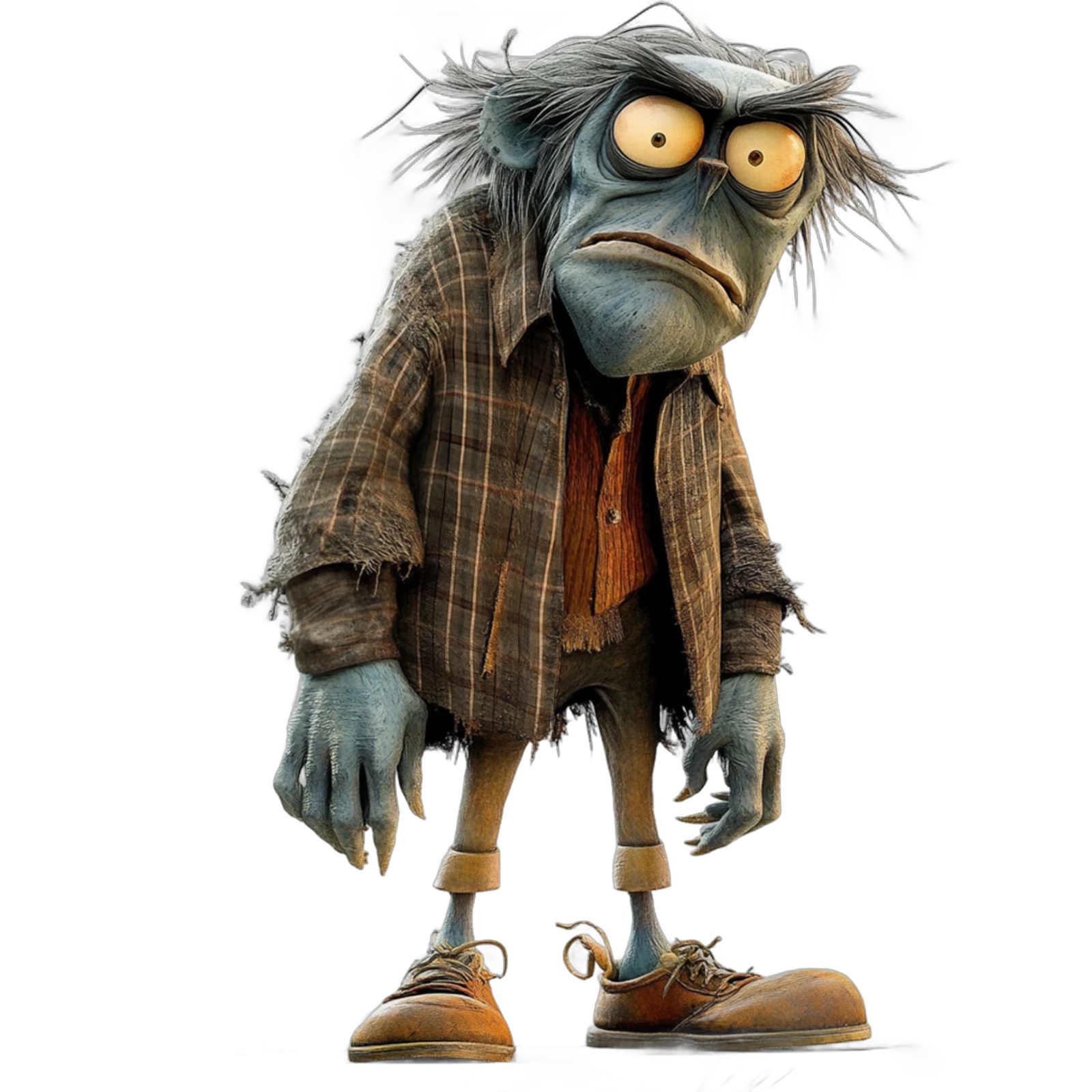
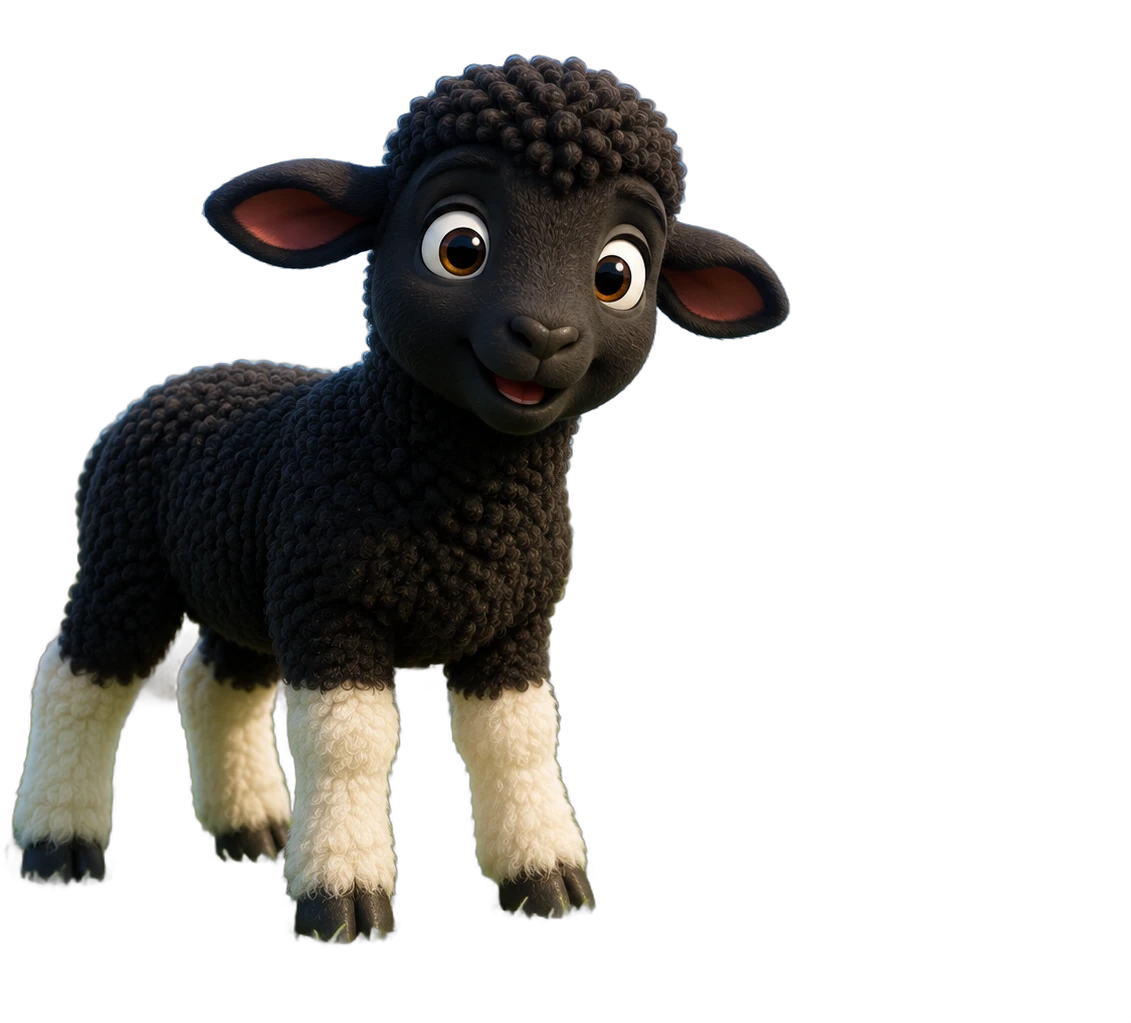
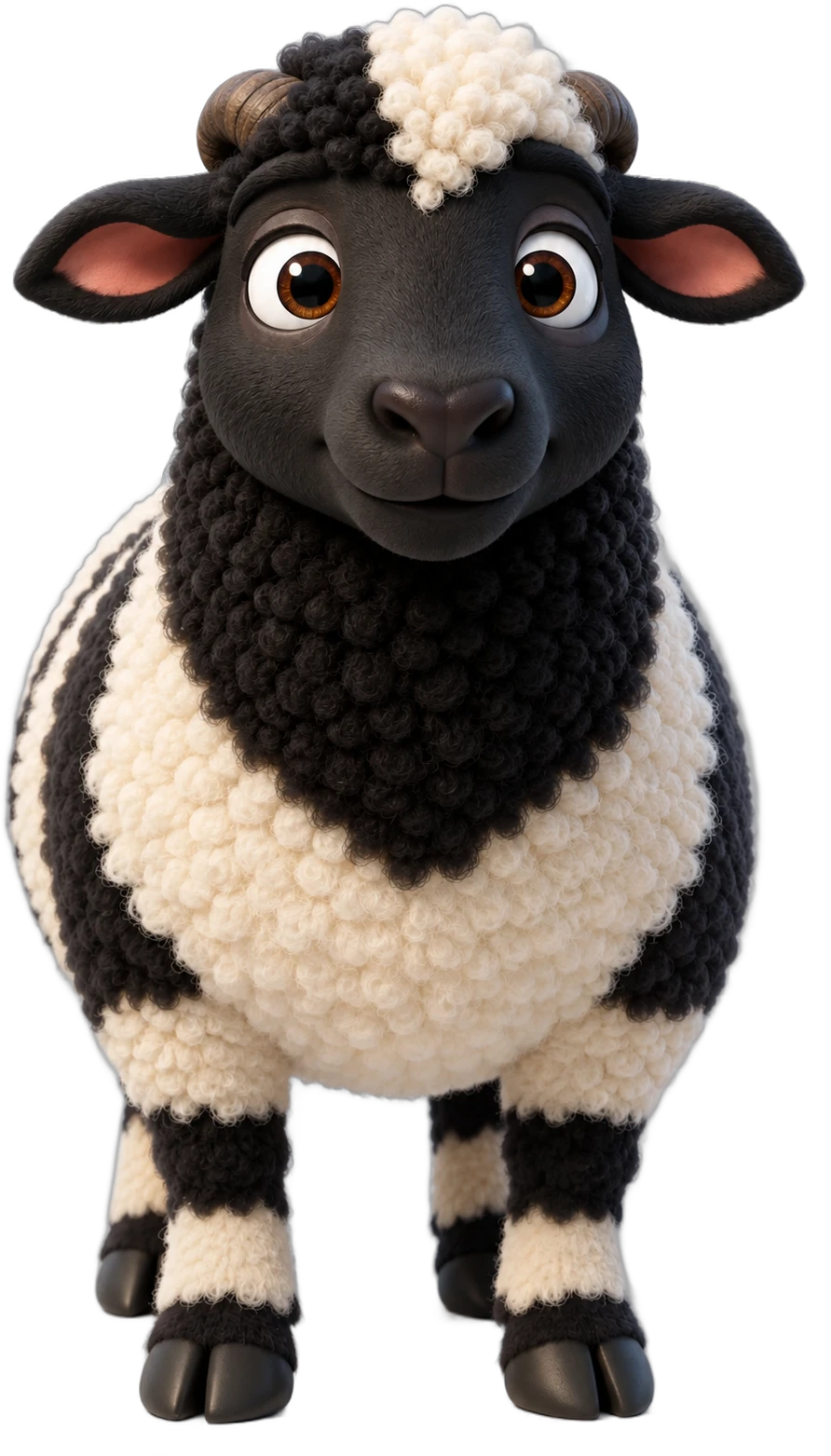
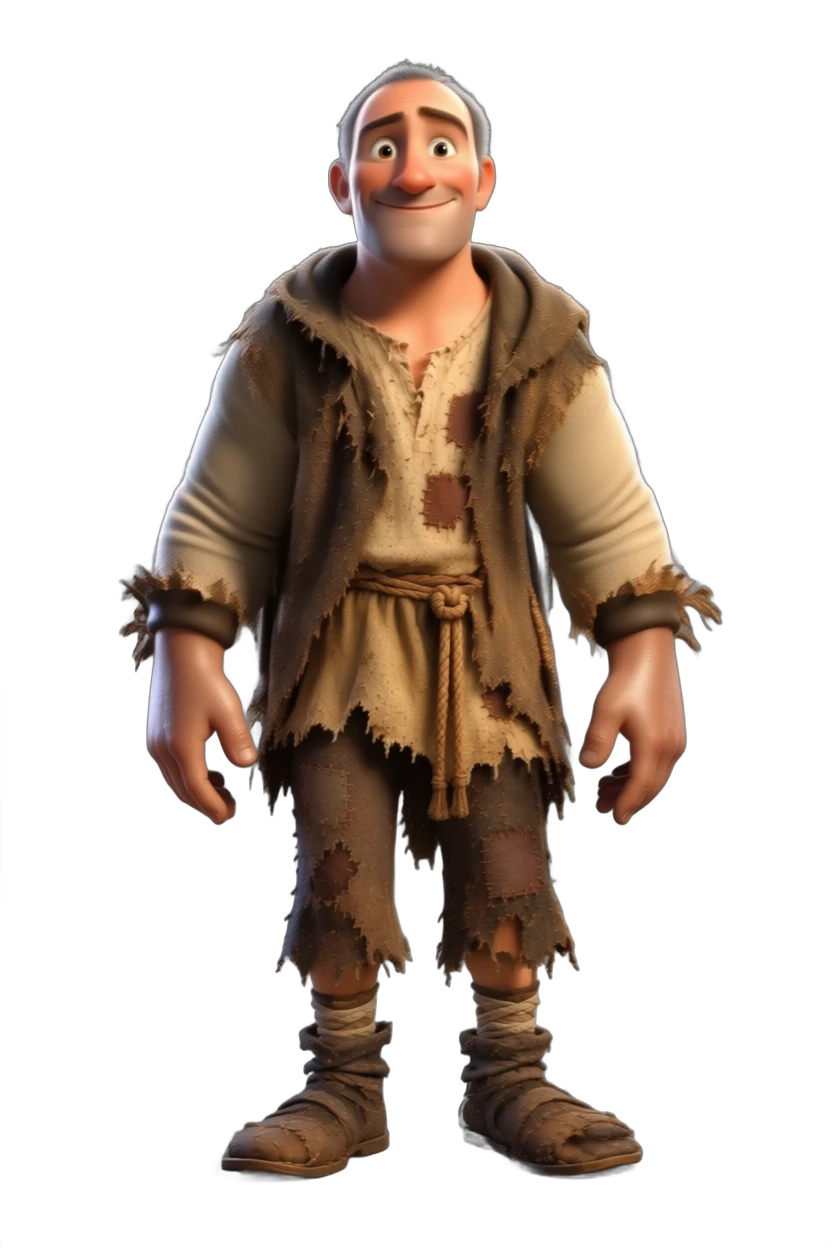
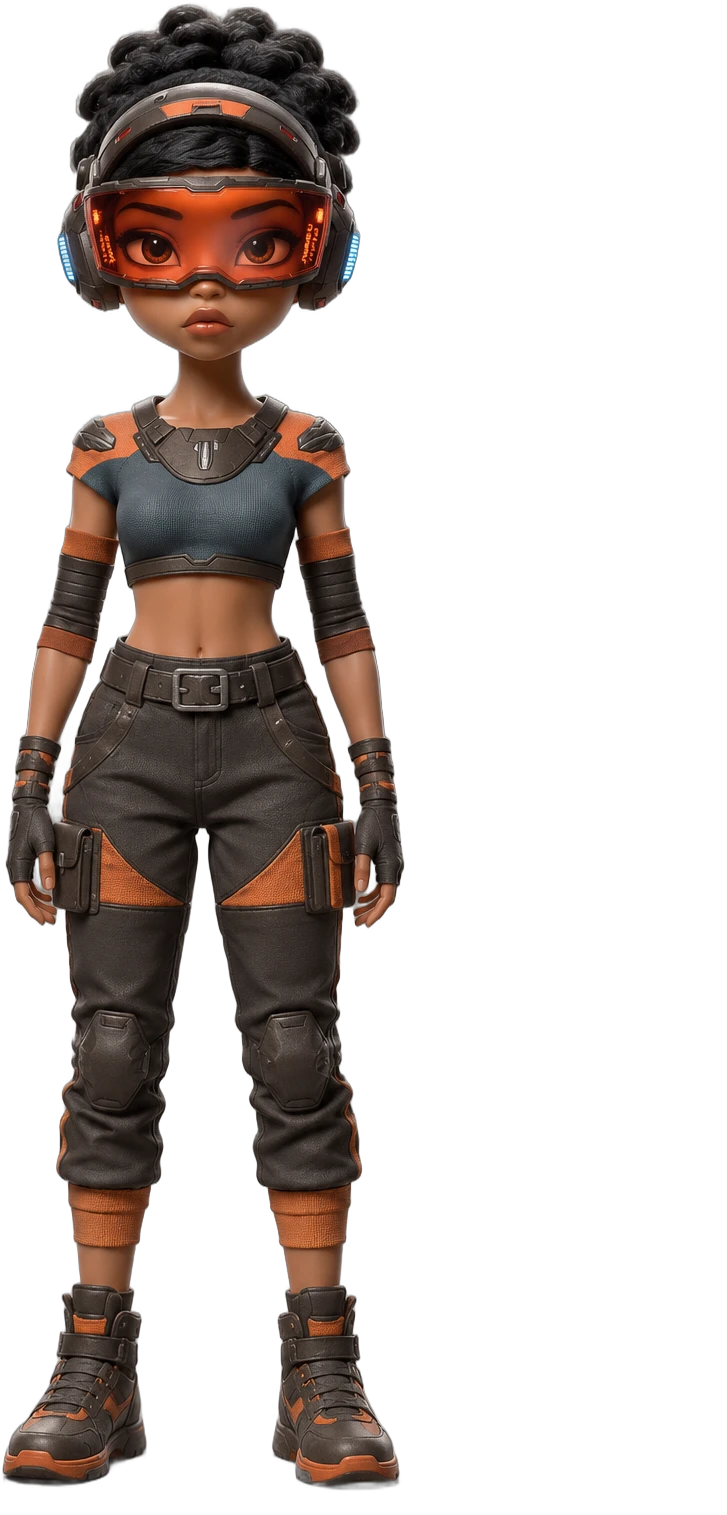
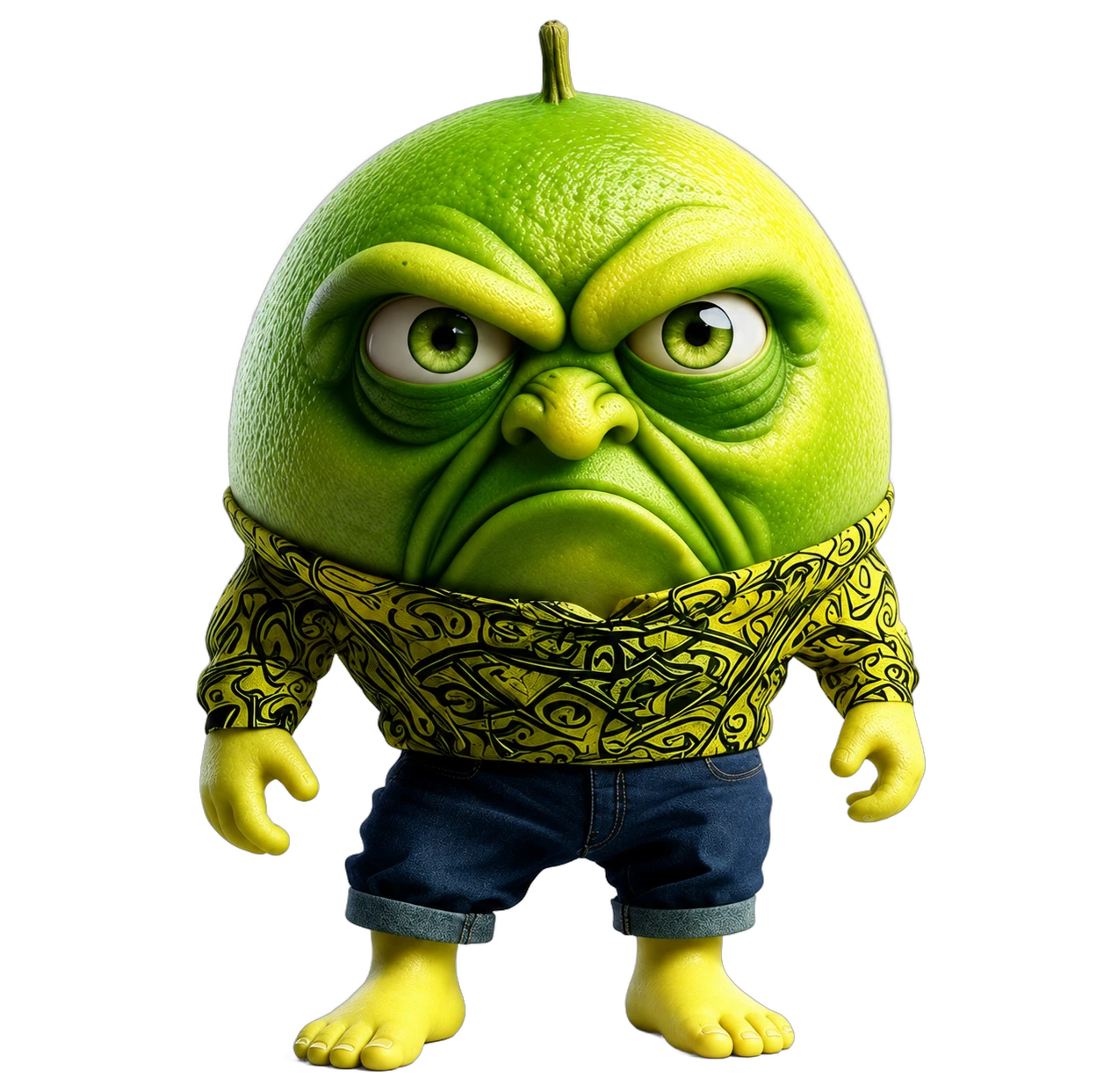
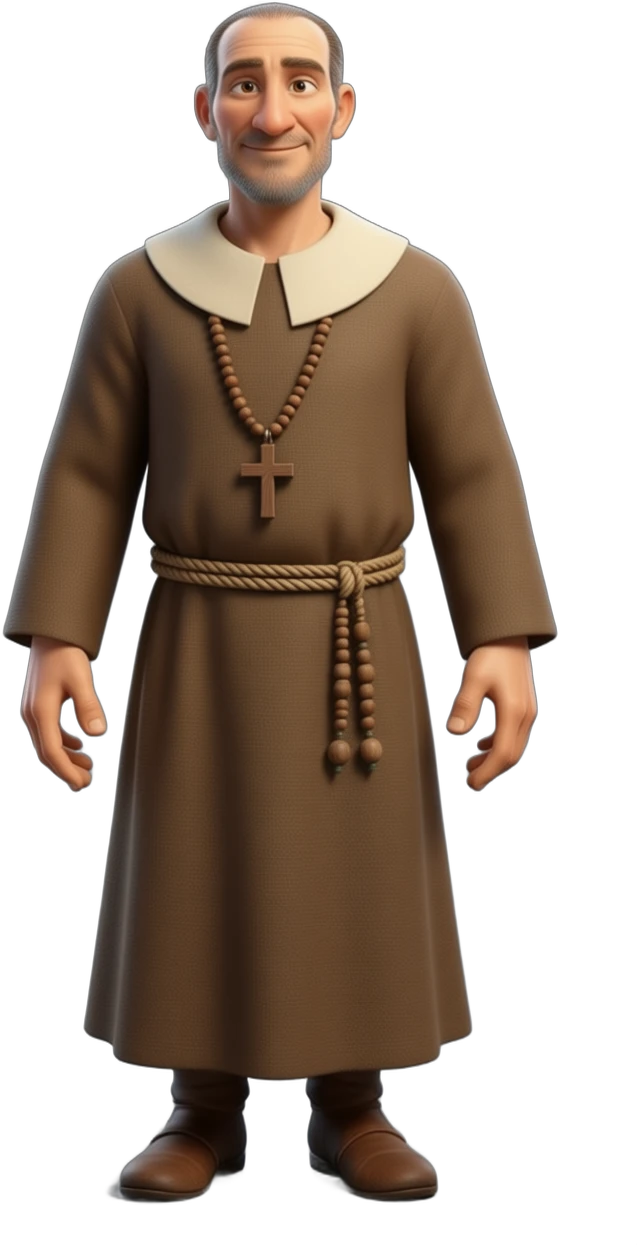
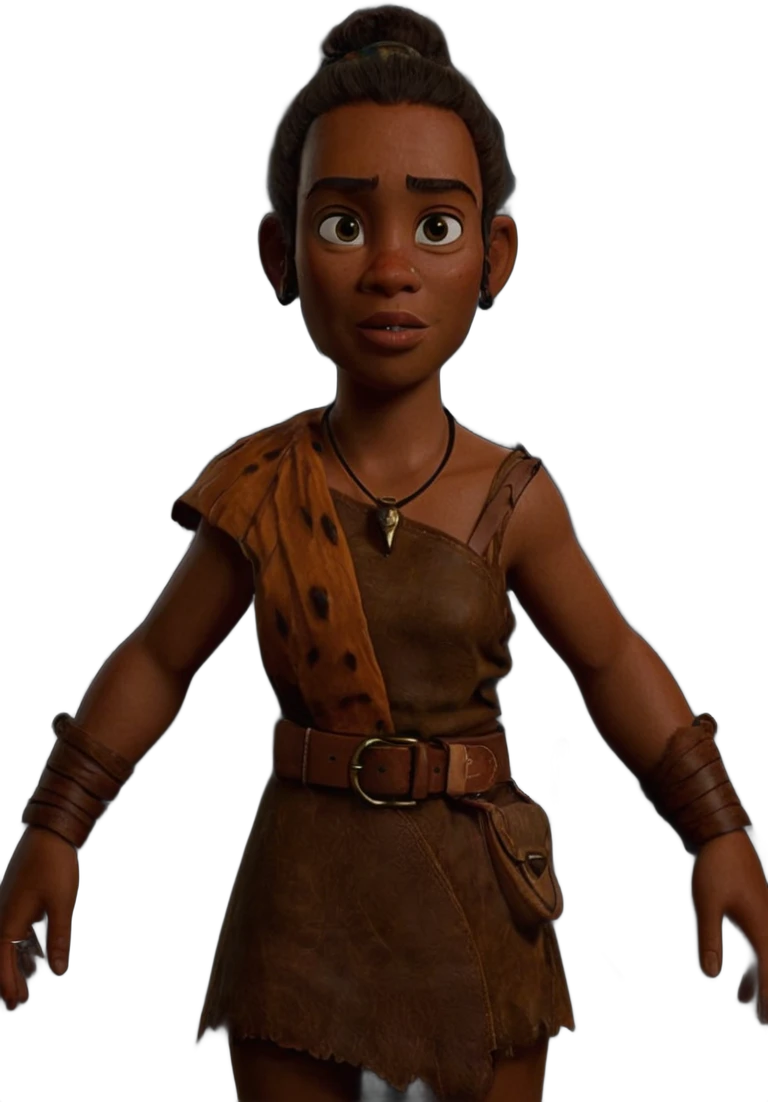
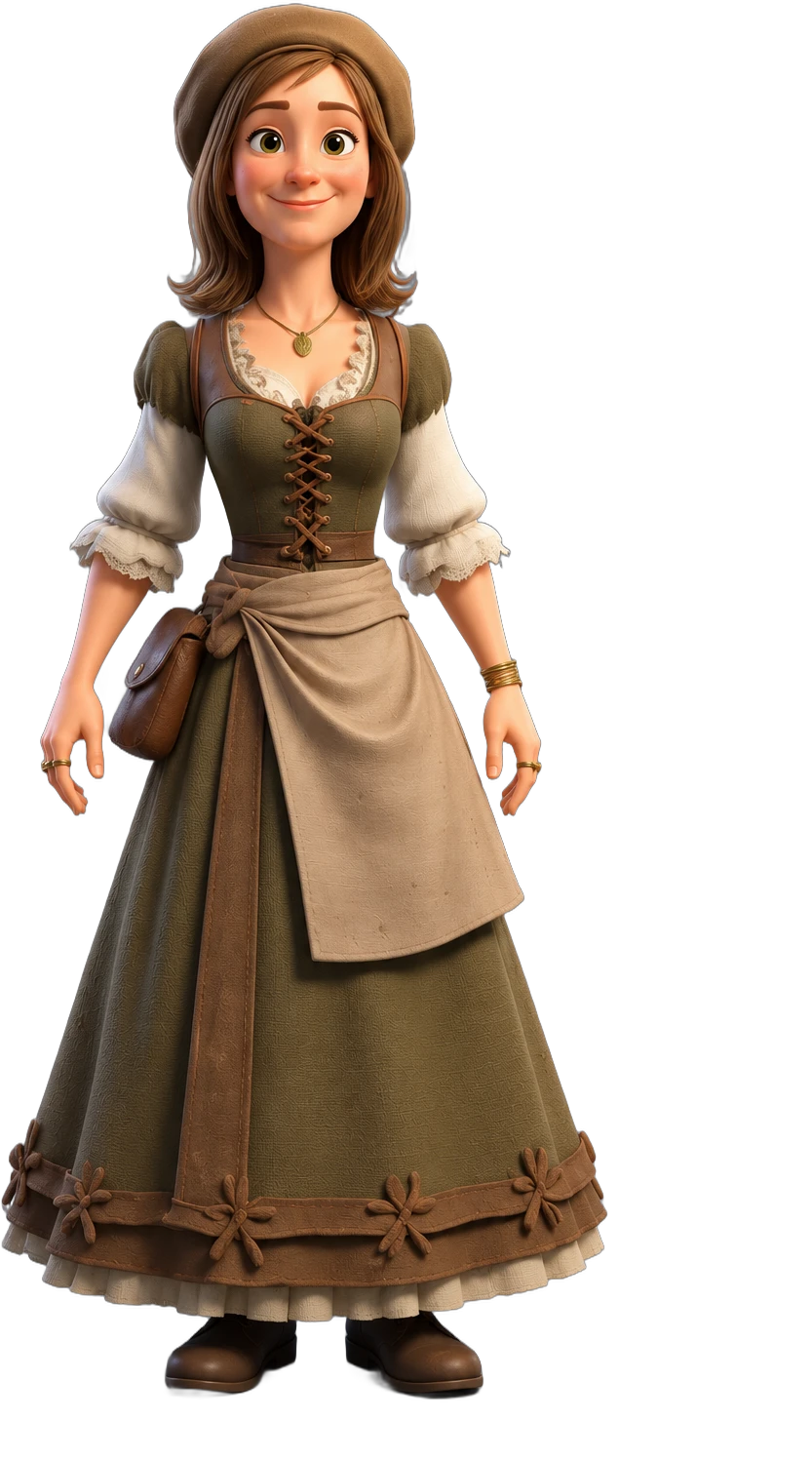
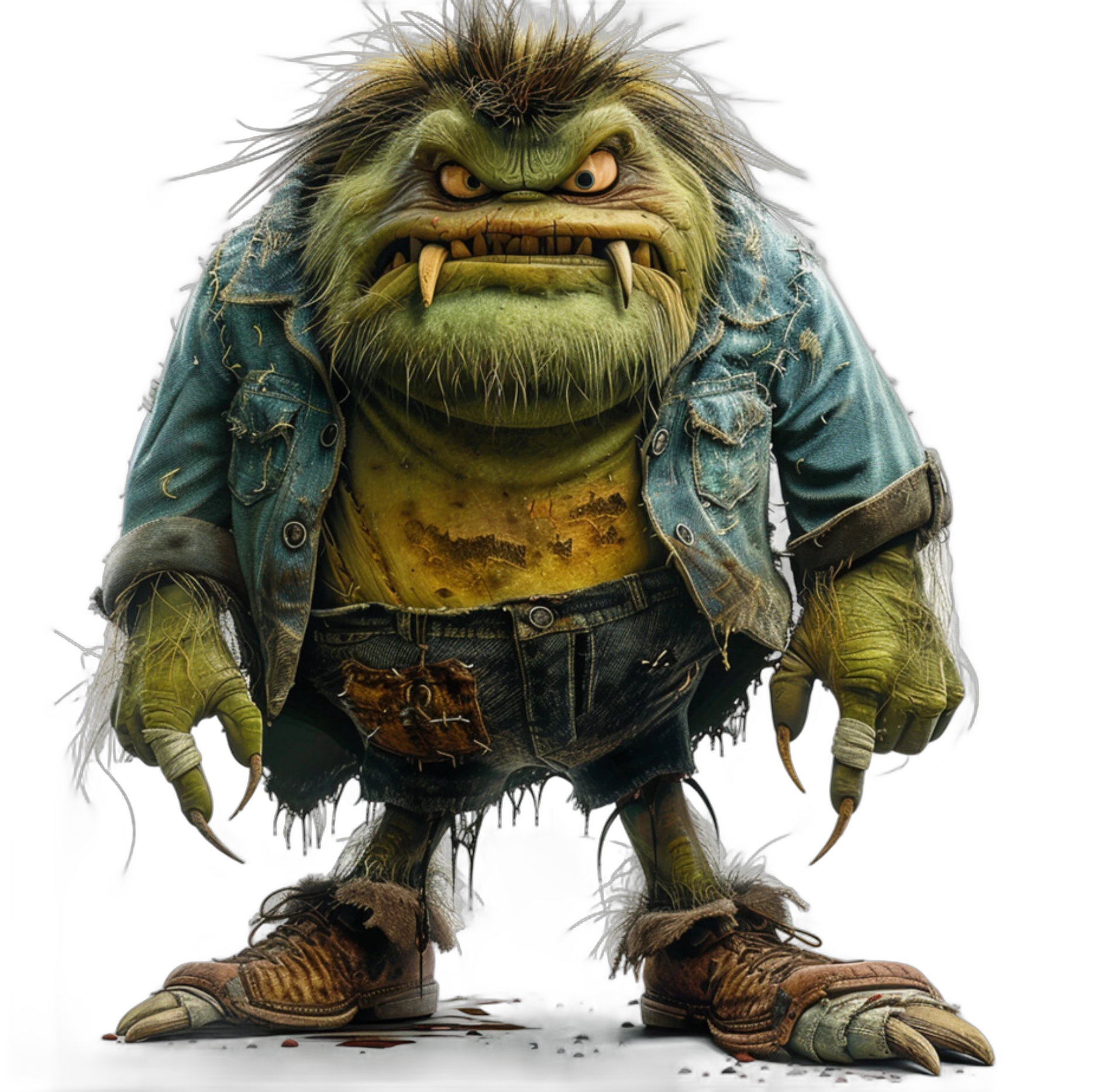
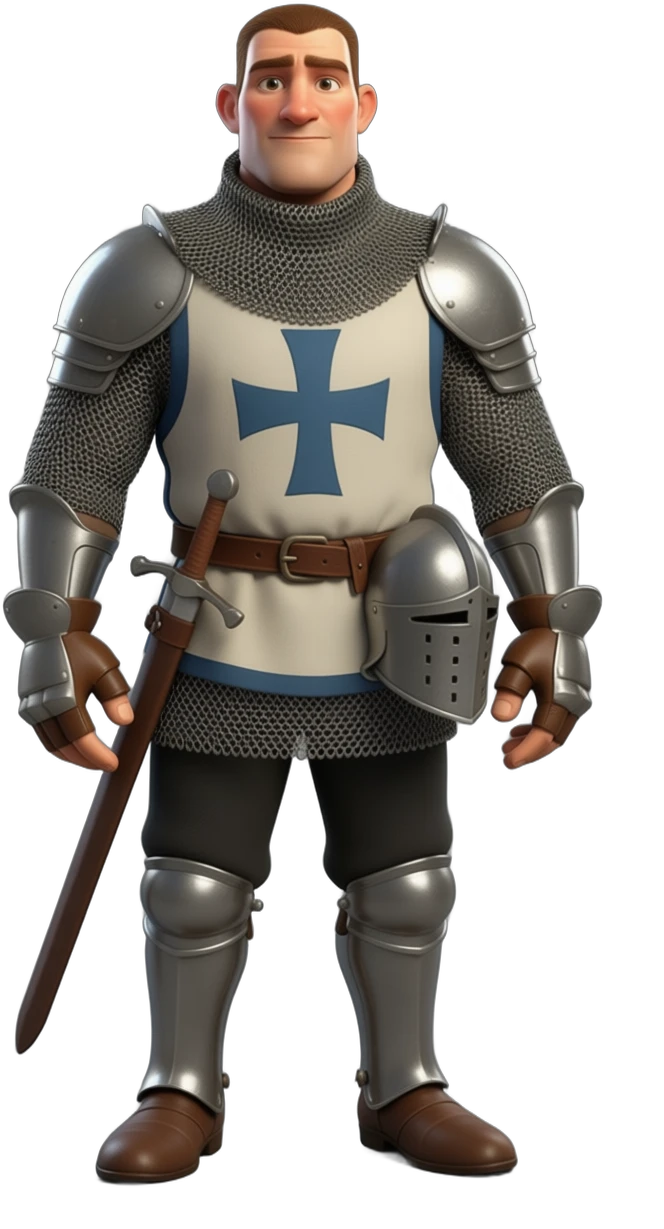
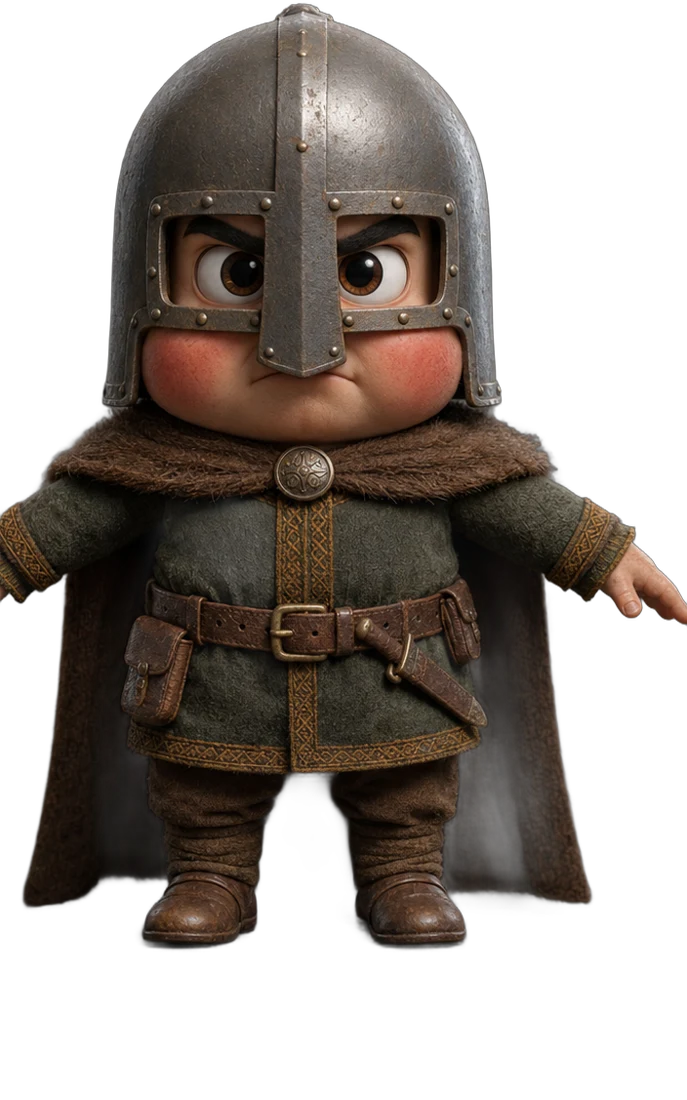
Character intros
Expressions, lip-sync and personality from a single actor design. Hover to watch them come alive.
Merlin
Claire
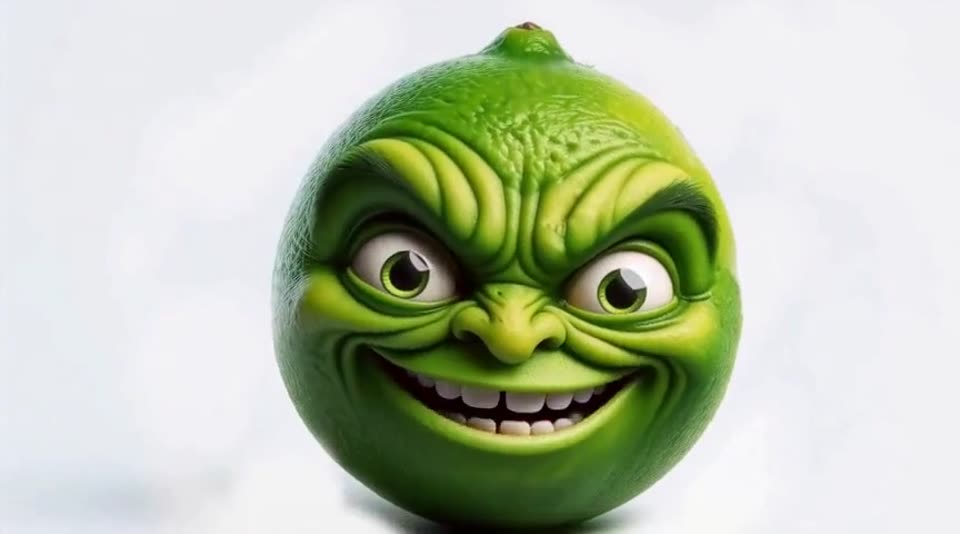
Lime
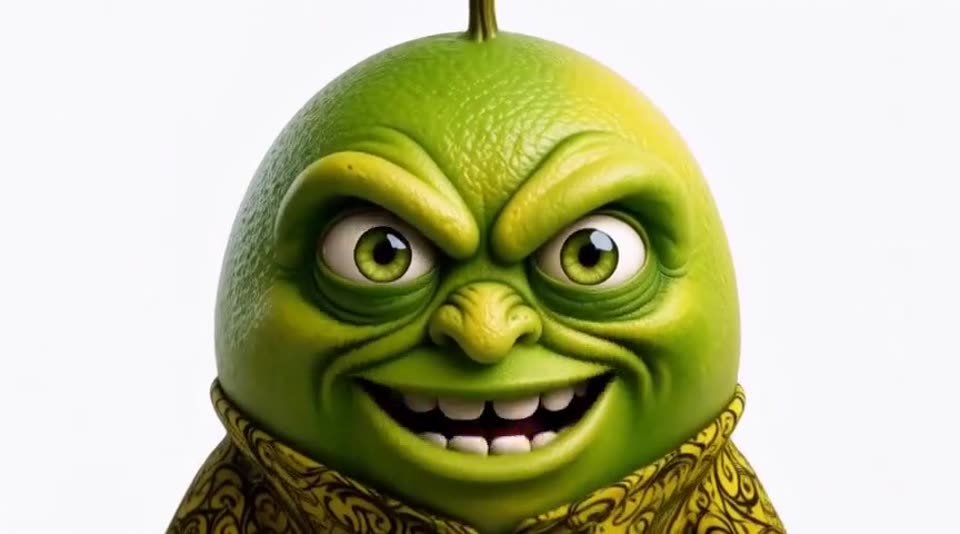
AngryPants
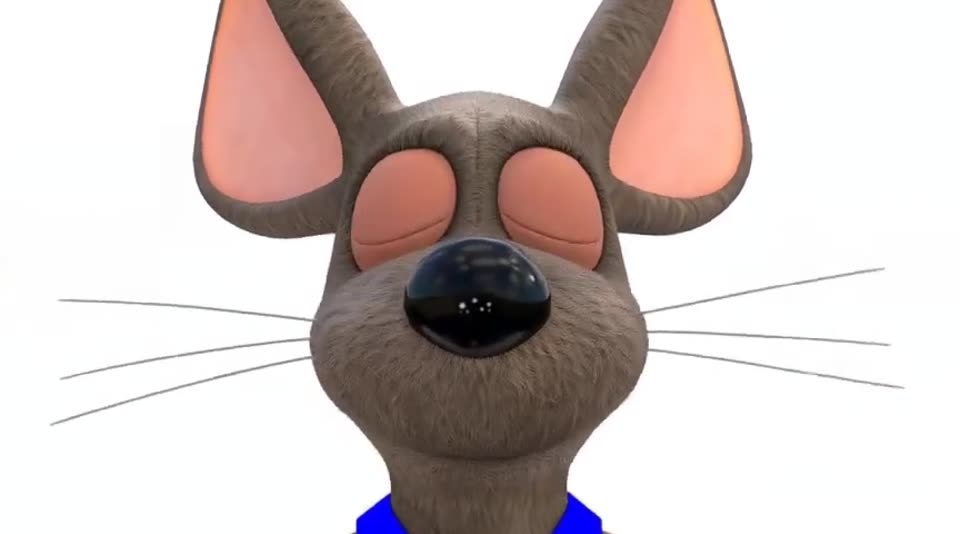
TackleRat
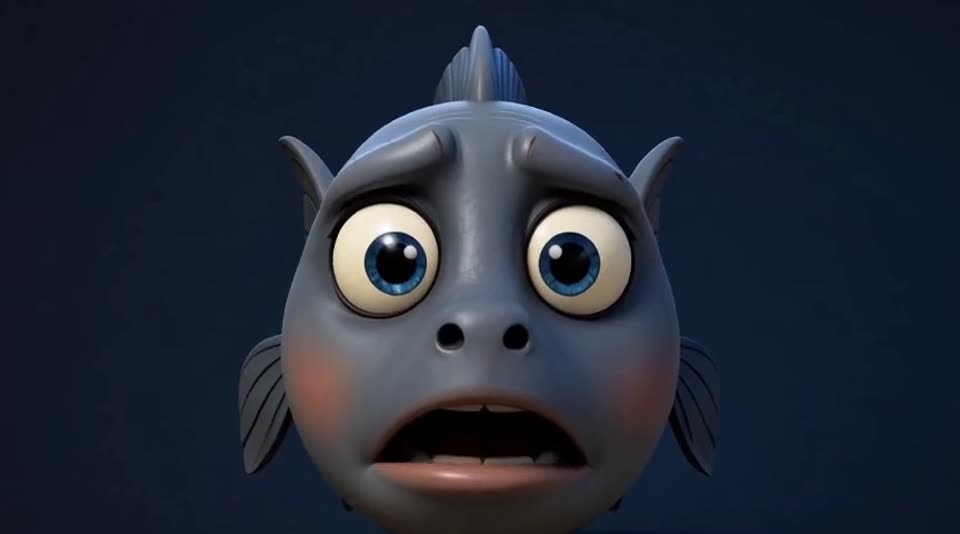
Fish
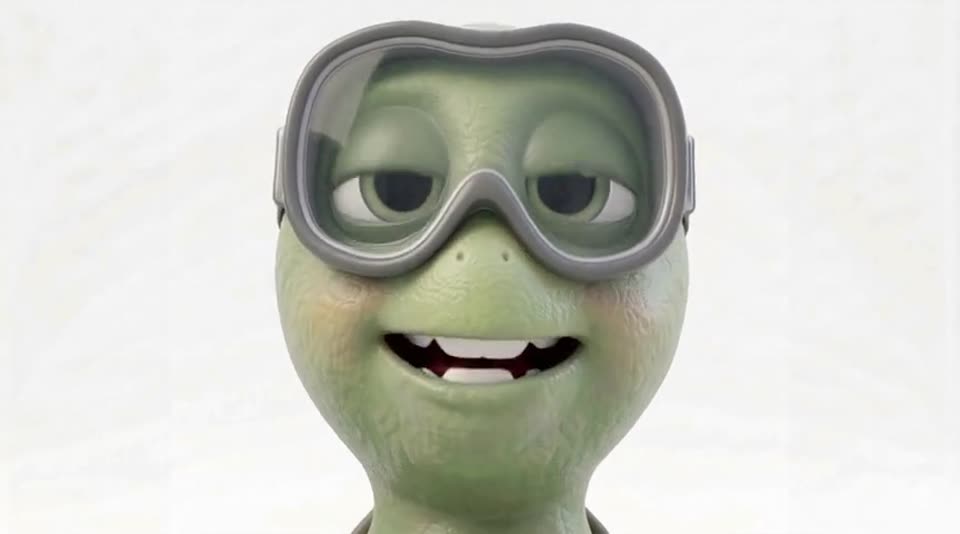
Worm
One studio, every format
Actors & Voices
Every actor keeps the same face, outfit and voice from scene to scene, so your story never breaks continuity.
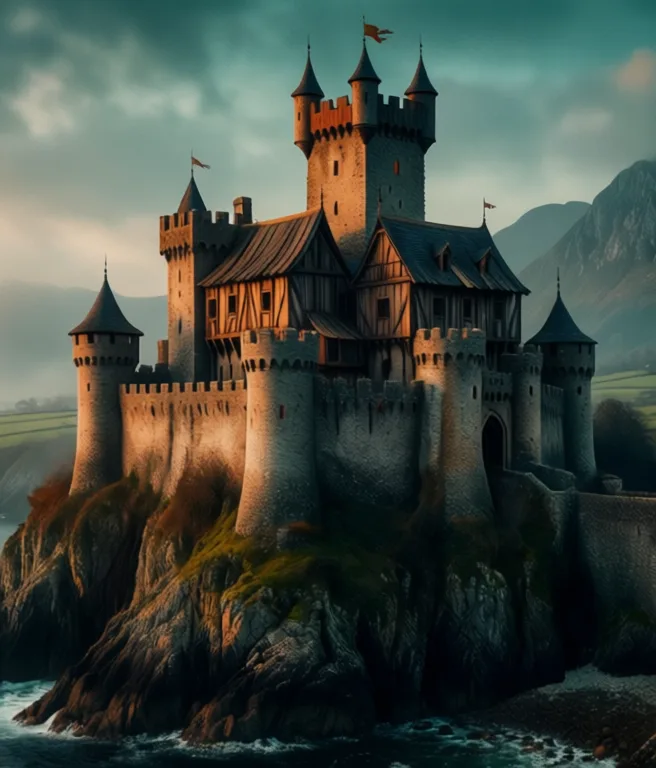
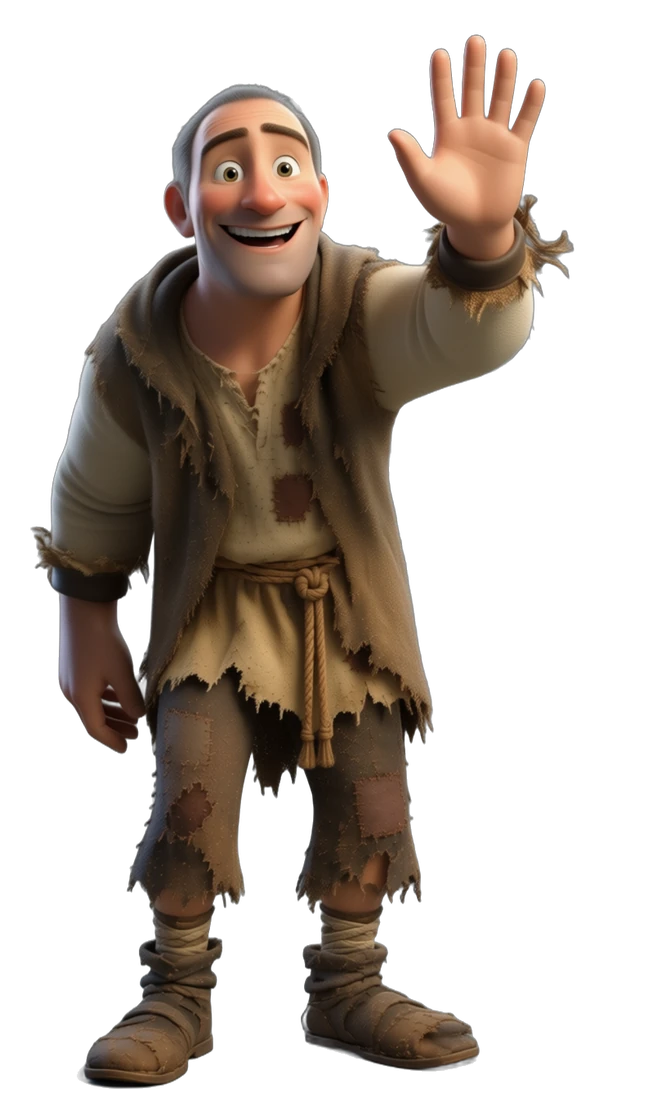
Worlds
Pick a location set, type @ to drop a place, a prop or a title into your story, and the studio keeps it the same in every shot. Add rain or snow and it makes the weather version for you.
Made in 3D PiXL
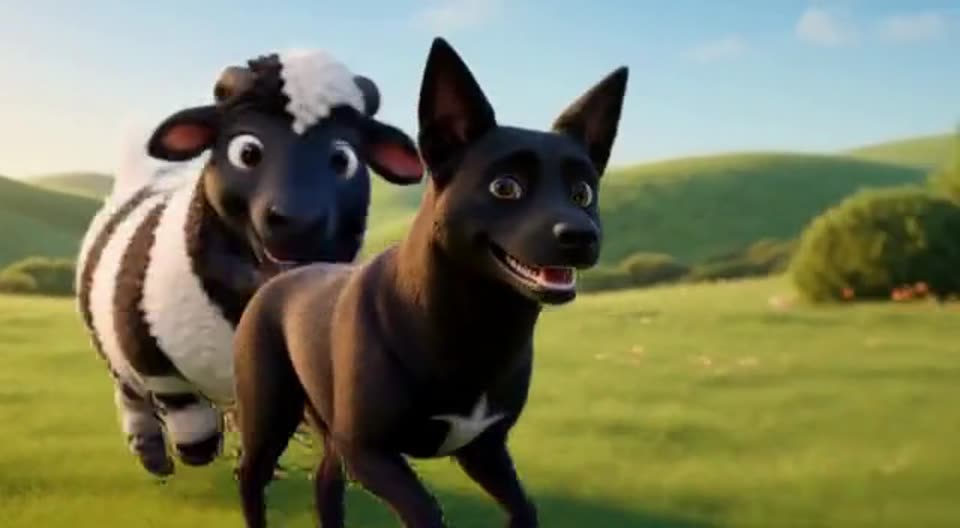
Short film
Short film
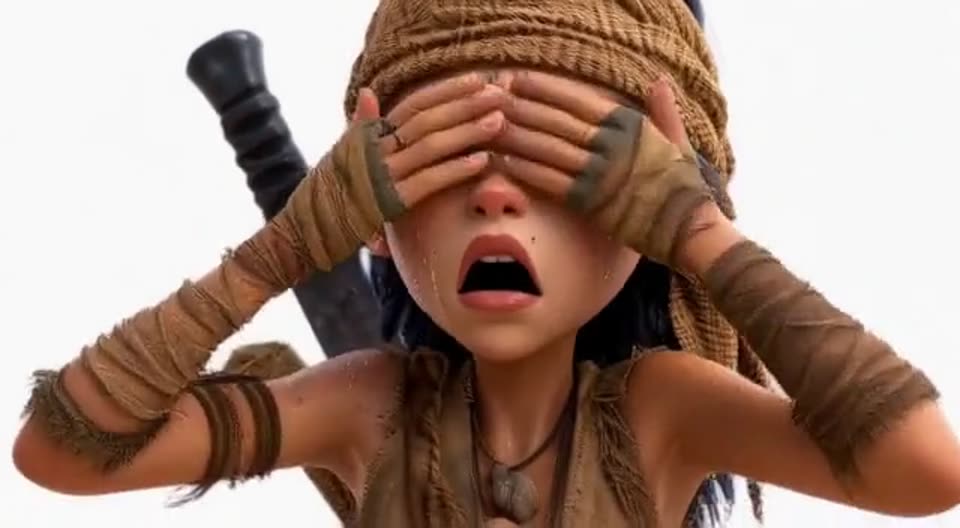
Character scene

Scene
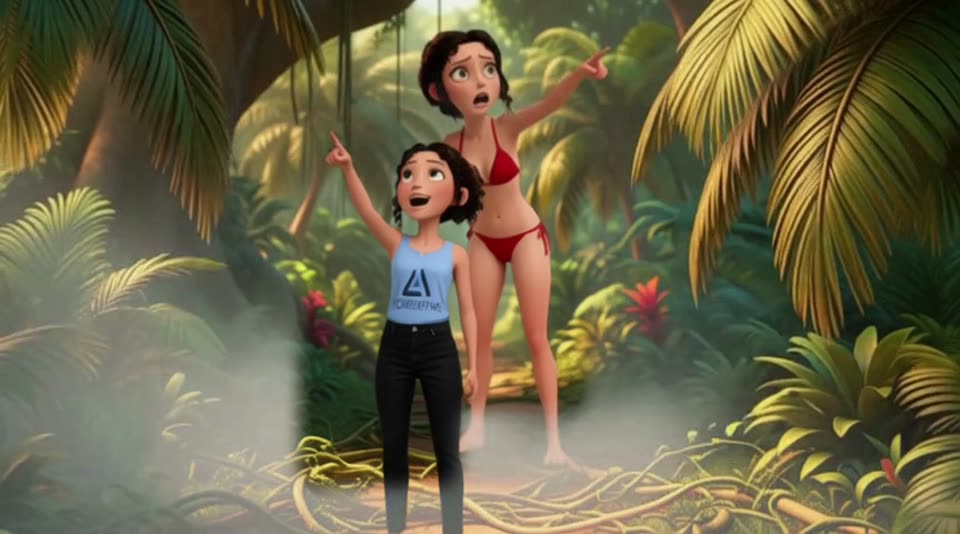
Cinemagraph
Movie Maker
Built for first-timers
Every warning explains itself
And comes with a one-click fix, so you are never left guessing.
Checks before render
Missing doors, props or places in your script are found first.
Film rules built in
Pacing, camera and continuity tips are applied for you.
One scene at a time
Finish a scene through all six steps, then move to the next.
Early access
Join the waitlist and we'll let you know the moment early access opens, plus build updates as new tools land.